Why are my note titles so weird?
EN | PT
First things first, it is important to understand a key distinction. Many people, myself included, constantly use the term “note title” when referring to our Obsidian entries. However, if you look at Obsidian’s documentation and official social media, the correct term seems to be “file name”.
This isn’t just a matter of semantics. Files must follow specific rules; for example, they require extensions and cannot use “prohibited characters,” such as a colon (:). And because Obsidian notes are simply files on our computers, these guidelines apply to your notes as well.
These limitations are more prominent in languages that use extended Latin characters, but even English isn’t exempt. For instance, Windows and Android do not allow question marks in file names, while macOS does. For someone like me, who uses both Android and Mac, this may create headaches as synchronization services usually skip incompatible file names.
The Solution
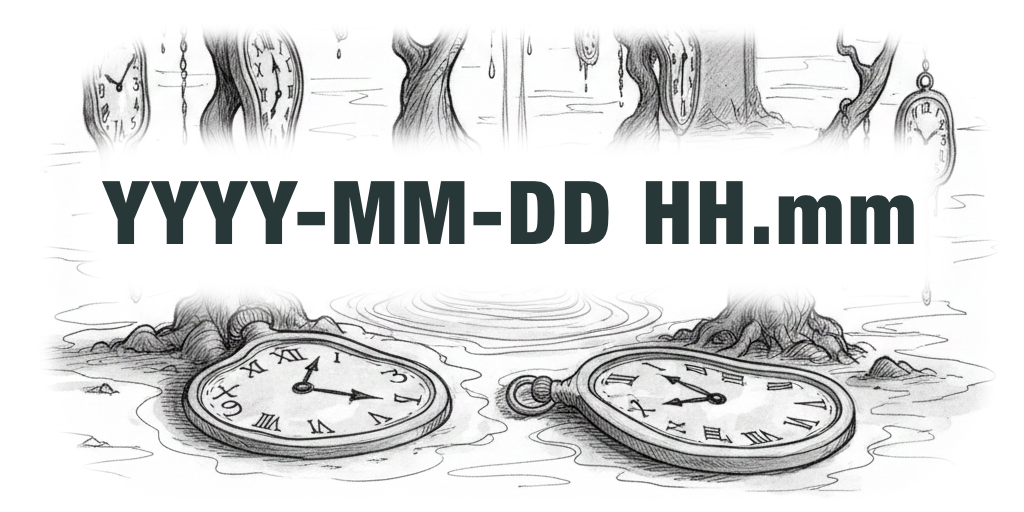
That’s why I decided to simplify my file names using the format YYYY-MM-DD HH.mm. In addition to avoiding prohibited characters, this makes it incredibly easy to sort all my files in reverse chronological order.
I use the Unique Note Creator to automatically add this timestamp to the file name and the date property. As for the actual title of the note, I simply add it to the title property. By the way, if you’d like to learn more about my Obsidian setup, click here.
If you're struggling to manage your information, I can help you implement the Timeline System using Obsidian. Learn more about my Online Consulting options.
Side Effects
I’ve been using Obsidian this way since October 2025 and I’m very happy with it, especially when creating notes on my phone. However, this system makes it nearly impossible to find a note without the Bases tables I’ve built into my vault.
These tables act as pre-populated filters for finding specific types of notes—such as blog posts, journal entries, clients, or companies I’m collaborating with. I have tables for all of these and more, all powered by the properties in my single template for all notes.
Without these tables, I would be relegated to searching using [title:]. Furthermore, it’s impossible to use [[]] to link to another note, as I will never remember the stardate sequence of numbers for every entry.
Linking notes is something I rarely do, so I don’t mind heading to my Bases tables to find a note when I need to connect things. However, I have to admit that in rare cases, this disrupts my flow slightly.
Regardless, the benefits currently outweigh the problems by a large margin, and I have no plans to change this system anytime soon.