Obsidian 1.11.4 for Android first impressions
I just installed Obsidian 1.11.4 for Android, and the first thing I wanted to test were the new widgets. While I don’t personally use the Daily Note plugin, I’m certain many users will be thrilled to see that option included.
As for the New Note widget, it’s a great addition, though I’d love to see more configuration options—such as the ability to create the note in a specific folder. A setting similar to the “Query” field in the Search widget would be perfect. By the way, being able to tap and jump straight to a list of notes matching a specific query makes it a pretty cool widget, and I can already see several use cases for it.
For my current setup, I’ve only enabled the Open Note widget. It will give me instant access to my “Home” note, which, as you know, acts as a dashboard for the files and links I use most frequently.
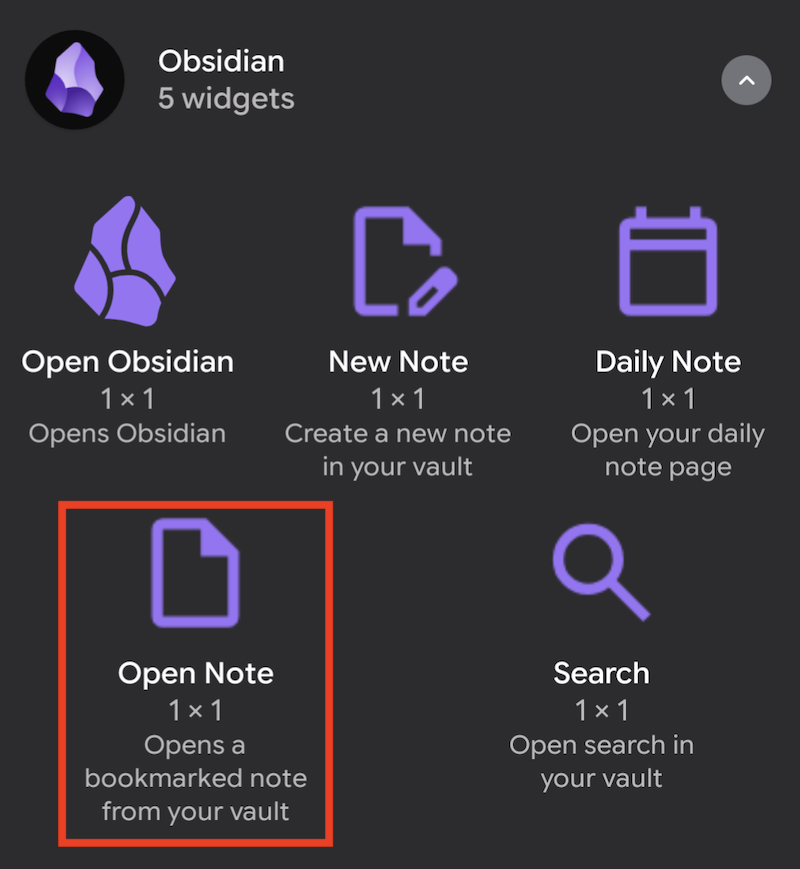
One widget I would use constantly is the Unique Note creator, but unfortunately, it was left out of this release.
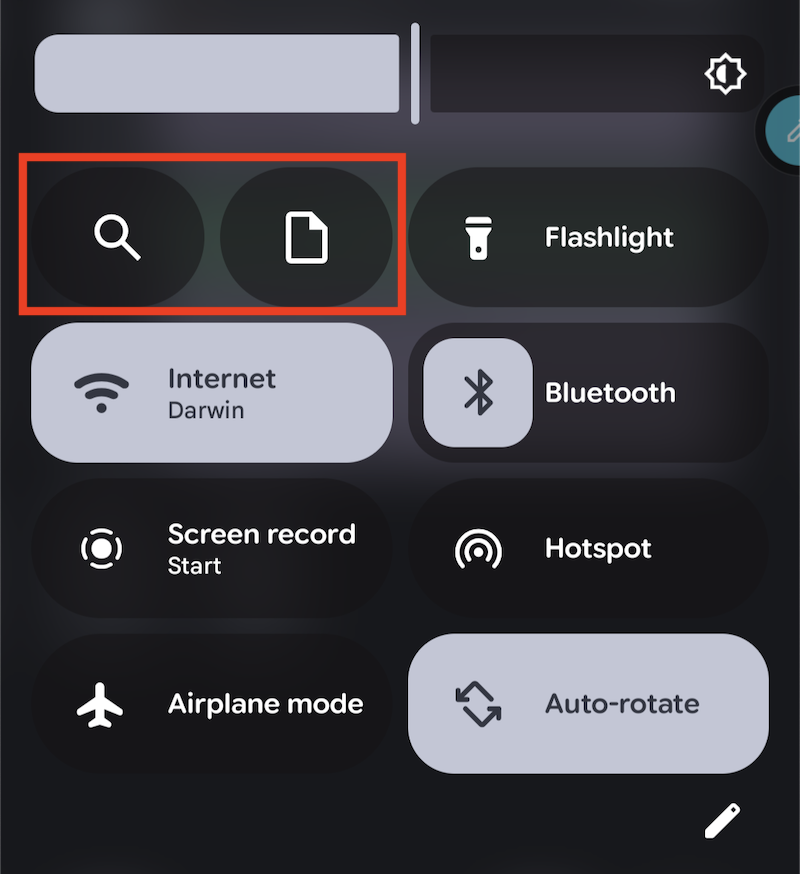
The Android Quick Settings (the pull-down “curtain”) is another place where we can now add some shortcuts. I added the Open Note there as well. Searching for notes is not something I usually do, but to keep the layout balanced, I included the Search shortcut there too.
Beyond the widgets, the user interface has become slightly more rounded, making menus and buttons easier to identify and tap. I’m pretty happy with the new look.
These were literally my very first impressions since I just installed the upgrade a few minutes ago. I’ll keep sharing my thoughts as I use it.
Obsidian
- 2026-06-14 (PT): Cronologia invertida: como transformo notas abandonadas em lembretes constantes.
- 2026-06-11 (EN): I’ve been on a quest to build a completely private, 100% local #AI …
- 2026-06-09 (PT): VCP.52 - Plano C: tive uma ideia para a IA local no Obsidian.
- 2026-06-03 (EN): 🕵️♂️ Can you spot #Obsidian in this picture? Spoiler: It’s hidden, …
- 2026-06-02 (PT): Consegue ver o Obsidian na foto?