The old Obsidian update I didn't appreciate until now.
Months ago, I was looking for the path of an old run tracked by Google Fit—a service, by the way, that I stopped using in 2023. Since I wasn’t willing to reinstall the app, the alternative was to download my data via Google Takeout, which resulted in over 3,000 files.
I knew more or less when the run happened, but being able to see the paths on a map would make finding it much easier. That’s when I had the idea to move the files to a second, temporary Obsidian vault and use the Map View plugin (not the Maps for Bases) to zoom in and find that specific run. To have some fun along the way, I brought all 3,000+ files into that vault.
I’m not sure if you are aware, but a past update to the Map View plugin allows it to read many types of path files. This ranges from popular formats like .gpx to the more obscure .tcx used by Google Fit. Seeing the path on the map is as simple as having the file anywhere in your vault. If you’d like to learn more about how that works, you can watch the video below.
With the paths in the temporary vault, I started looking at all that roaming around history, and by the time I found what I was looking for, I was tempted to bring many other files into my main vault. That’s when a reality check stopped me.
Because of the sheer number of files the plugin had to read, it was taking 13 seconds to populate the map. This meant Obsidian was taking a little over 13 seconds just to start up. So, I simply copied that specific run file to my main vault and moved on.
The Unexpected Surprise
Yesterday, I went back to that temporary vault searching for another file. To my surprise, Obsidian didn’t struggle at all. It simply opened. At first, I thought I had deleted all the Fit files and forgotten about it, but that wasn’t the case.
Long story short, a past update changed how Obsidian handles data-heavy plugins. It used to be that the app had to scan all the notes for map or table data before it would even show the interface, leading to the loading screen you see below.
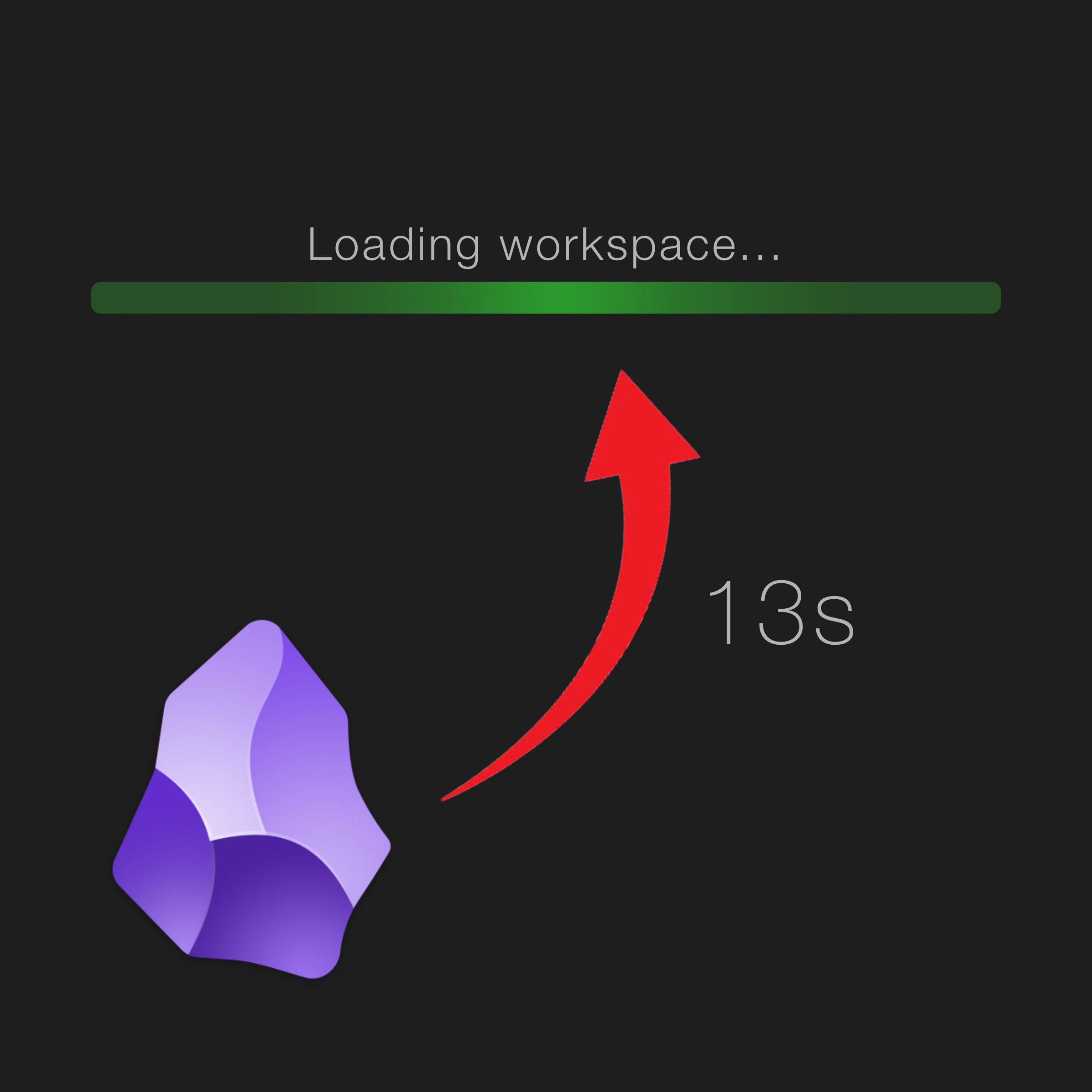
The new behavior is much better. Now, Obsidian opens immediately and moves the plugin processing to the background—unless, of course, the consolidated map or table is set to be open when Obsidian starts.
Back then, this was the case. I had the map tab constantly active because I was searching for that run, which meant every time I opened Obsidian, the map tab had to be populated with all the coordinates before I could work. That was not the case yesterday.
As you can see in the video below, starting Obsidian with and without the map tab active results in entirely different experiences.
This startup behavior changed many months ago, and I do remember reading about it at the time. However, apart from the struggle described in this post—which I treated as an outlier—I never noticed any real difference in my day-to-day use. The irony is that the feature was probably already working when I was playing with those Fit files, but because the map tab was always active, it couldn’t save me any time.
Regardless, if you watch the video above, you’ll clearly see the difference it makes. If a data-intense plugin is not something I need to use every second, it’s fine to have it installed and running in the background. I’ve even started moving many of those files from the second vault to my main one. I love maps, and having those paths will make my travels, runs, and trails even cooler to contemplate.
Map-View
- 2026-02-06 (EN): I love the Map View plugin for Obsidian, but I just realized I didn't …
- 2025-12-27 (EN): 2025: How leaving Evernote helped my POSSE strategy
- 2025-12-14 (EN): Even though I'm using Bases for almost everything on my Obsidian …
- 2025-10-28 (PT): Em um [vídeo recente](https://youtu.be/xAvYqDy5BRQ), expliquei como …
- 2025-10-26 (PT): Acabei de notar que apaguei sem querer a parte da gravação do meu …