Supernote app installation with Android Sideloader | 2026 update — the super-easy way!
2026-01-09 10:48
Although the official app store has just a few apps, under the hood, the Supernote is an Android device with the option to sideload apps. In other words, install the apps ourselves without needing to use the official store.
But before I show you how, I have some disclaimers. I am not a developer. I'm simply sharing what I learned researching online. It worked for me, but you should always do your own research. As for the Android apps, please be careful with what you are installing. Apps downloaded from the Internet, known as APKs, are not checked by the Google Play Store.
The video below is a how-to guide, but, for those who prefer to read, this post also contains the written steps and links to the files.
---
1. Enable Sideloading on the Supernote
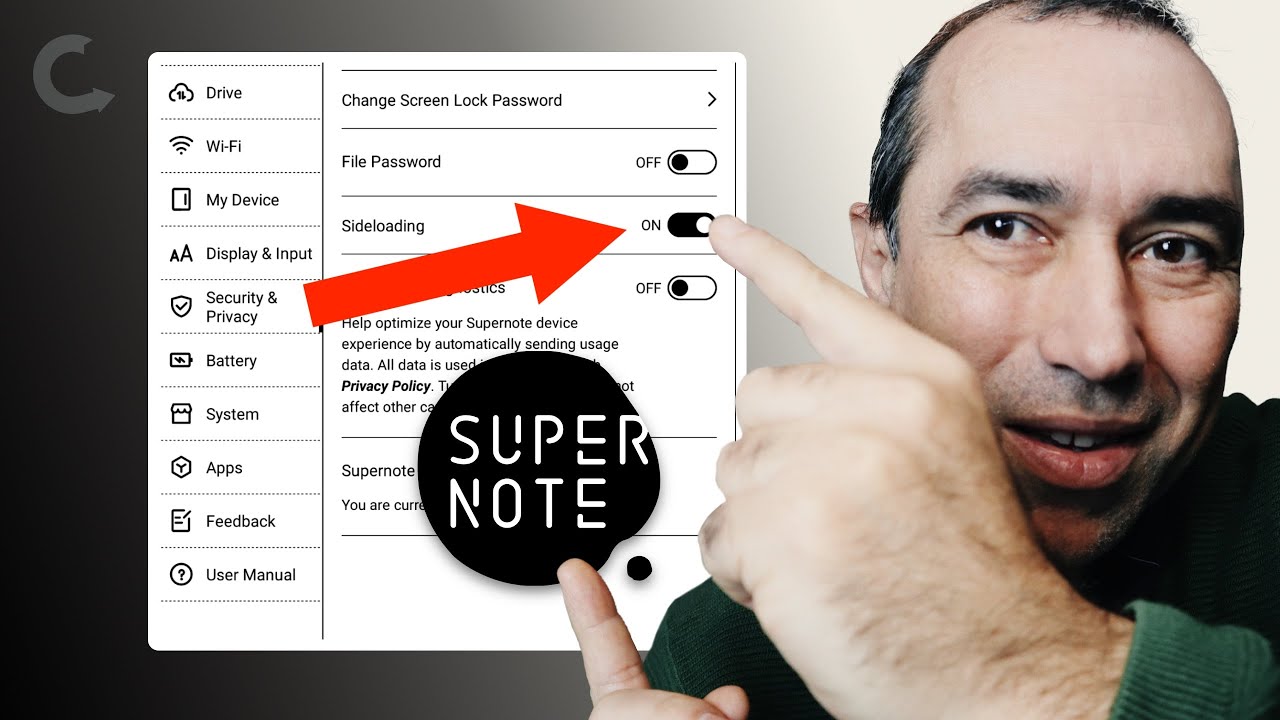
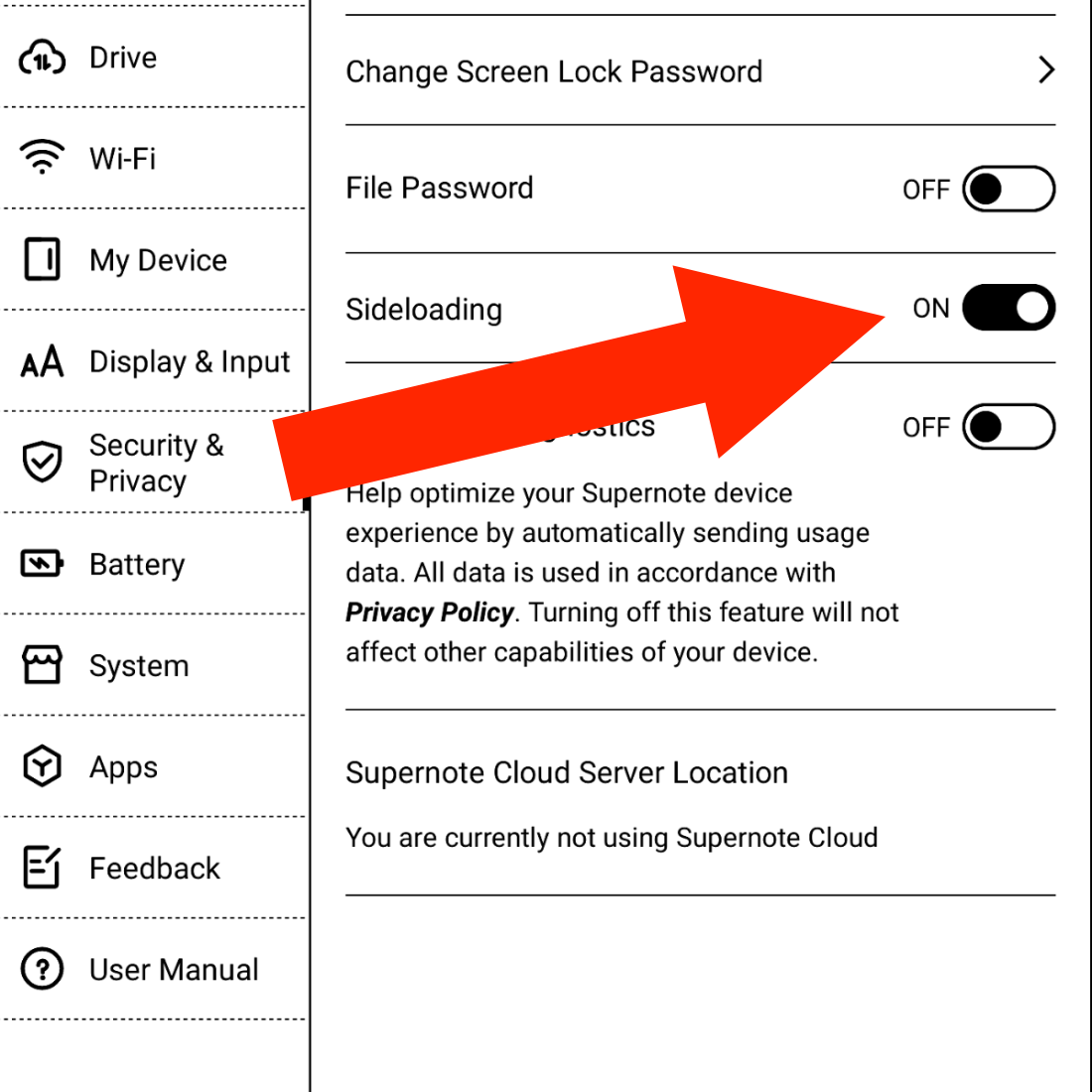
The first step is to prepare the Supernote to receive Android apps. Go to Settings, then Security & Privacy, and turn on Sideloading. This means that you are allowing the Supernote to accept the installation of Android apps.
2. Install Android Sideloader on your computer
Install Android Sideloader on your computer. You can download it here for Mac, Linux, or Windows.
3. Connect the Supernote to your computer
Open the Android Sideloader app and connect the Supernote to your computer. I suggest using the Supernote USB cable, as not all USB cables are the same, technically speaking.
4. Install the APK file
On the Android Sideloader app, click on Choose APK file, select the file you'd like to install, and then click on Install APK. When you see the App successfully installed! message, you are done. That's it!
An APK file is the technical name for Android apps.
1. You can search for them online, or
2. Copy them from your Android phone by using the Files app and navigating to the `Apps` folder, or
3. Download them from the source. Obsidian, for example, provides the APK file for downloading.
I recommend using options 2 or 3 above. As I mentioned before, the files you find online are susceptible to being malicious.