EN
Blog
- 2025-12-17 (PT): O drama do Syncthing e minha estratégia com o Obsidian Sync
- 2025-12-16 (EN): Syncthing drama and my new Obsidian Sync strategy
- 2023-06-14 (EN): Is your computer truly yours?
Weaving the Web
Weaving the Web is a fascinating journey into the history of the creation of the World Wide Web by its inventor. I read it for the first time when I was very young, probably as young as the Web itself.
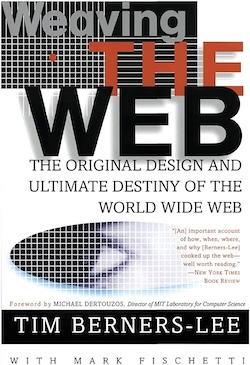
Jokes aside, this is a must-read. Even after so many years from its publication, it’s still worth reading as it tells us how the Web, this integral part of our lives, came to be.
Furthermore, this book illustrates how many technologies are usually used together to innovate. Sir Timothy John Berners-Lee created the Web on a NeXT computer while working at CEARN. Isn’t that intriguing?
What Technology Wants
I found “What Technology Wants” by Kevin Kelly a fascinating read because it beautifully connects two of my biggest passions: technology and evolution. The “technium” is this evolving, self-organizing system that represents all technology, past, present, and future.
However, unlike species, which can become extinct, he presents the idea that old tech simply finds new purposes or persists quietly in the background. I loved it because I’m constantly repurposing old tech myself.
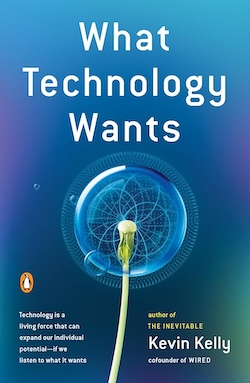
But what blew my mind was the parallel between evolution and technology. He argues that just as natural selection favors solutions best suited to an environment, the technium’s “natural selection” favors technologies that efficiently address human needs. There are several examples in the book of humans in vastly separated regions facing similar challenges and coming up with responses, often with similar designs. Just like how diverse species in similar environments develop comparable traits.
By the way, that’s the same argument we use when looking for life on other planets. If we find one with similar conditions to Earth, life there might have evolved in similar ways to what happened here.
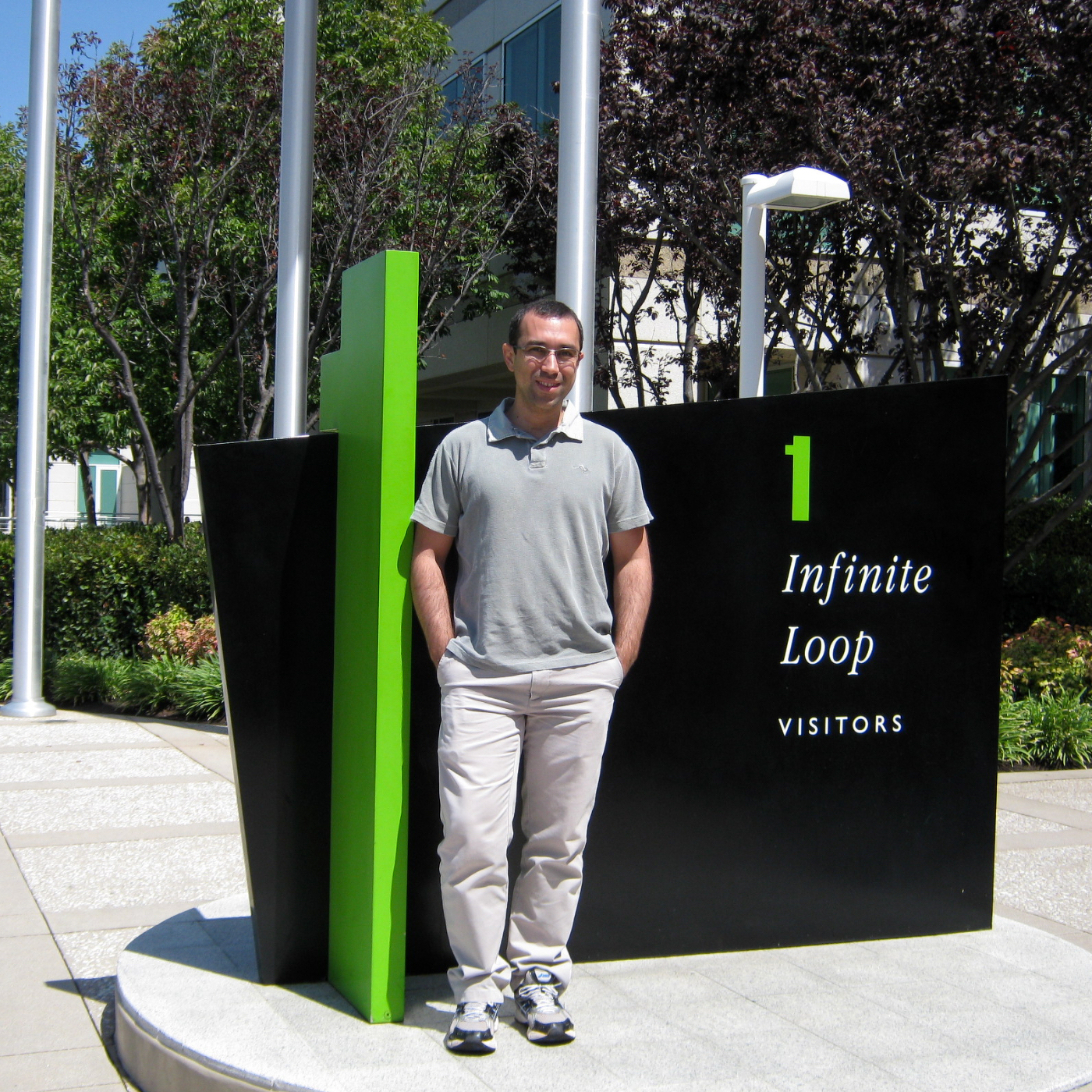
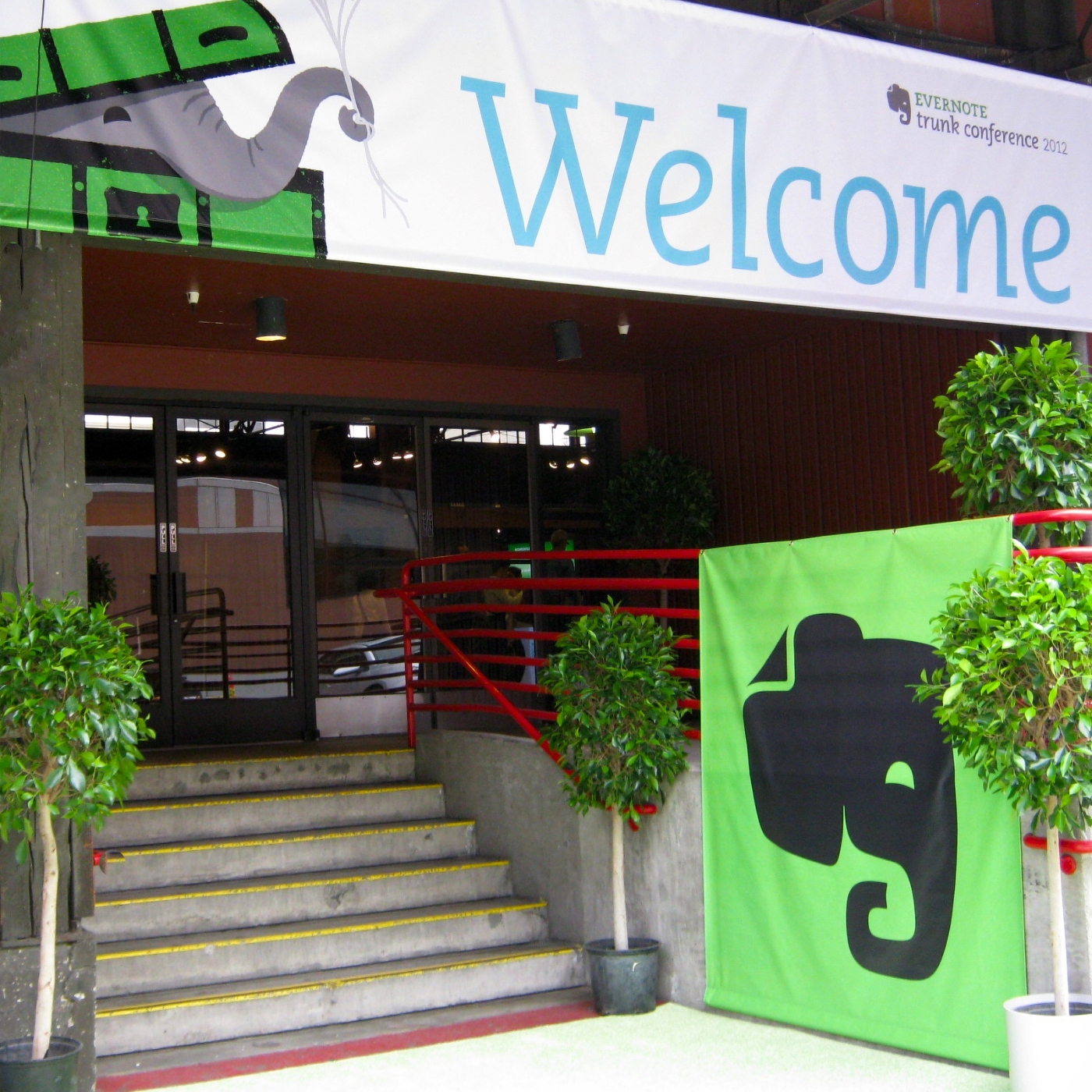
Evernote Trunk Conference 2012
There are so many good things happening currently in my life. Not only am I currently writing a book about Evernote, but I was recently selected to join the companies’s Ambassador program. And then the unimaginable happened. I was invited to the 2012 edition of the Evernote Trunk Conference. This is such an honor.
It’s great to be here, but it could have been an entirely different outcome. My US visa was valid, but my passport was expired. The issue I faced was that Evernote’s invitation was extended just a few weeks before the event, so I had very little time to go through the process of renewing my passport. I got it two days before the trip, so I think you can imagine how stressed I was.
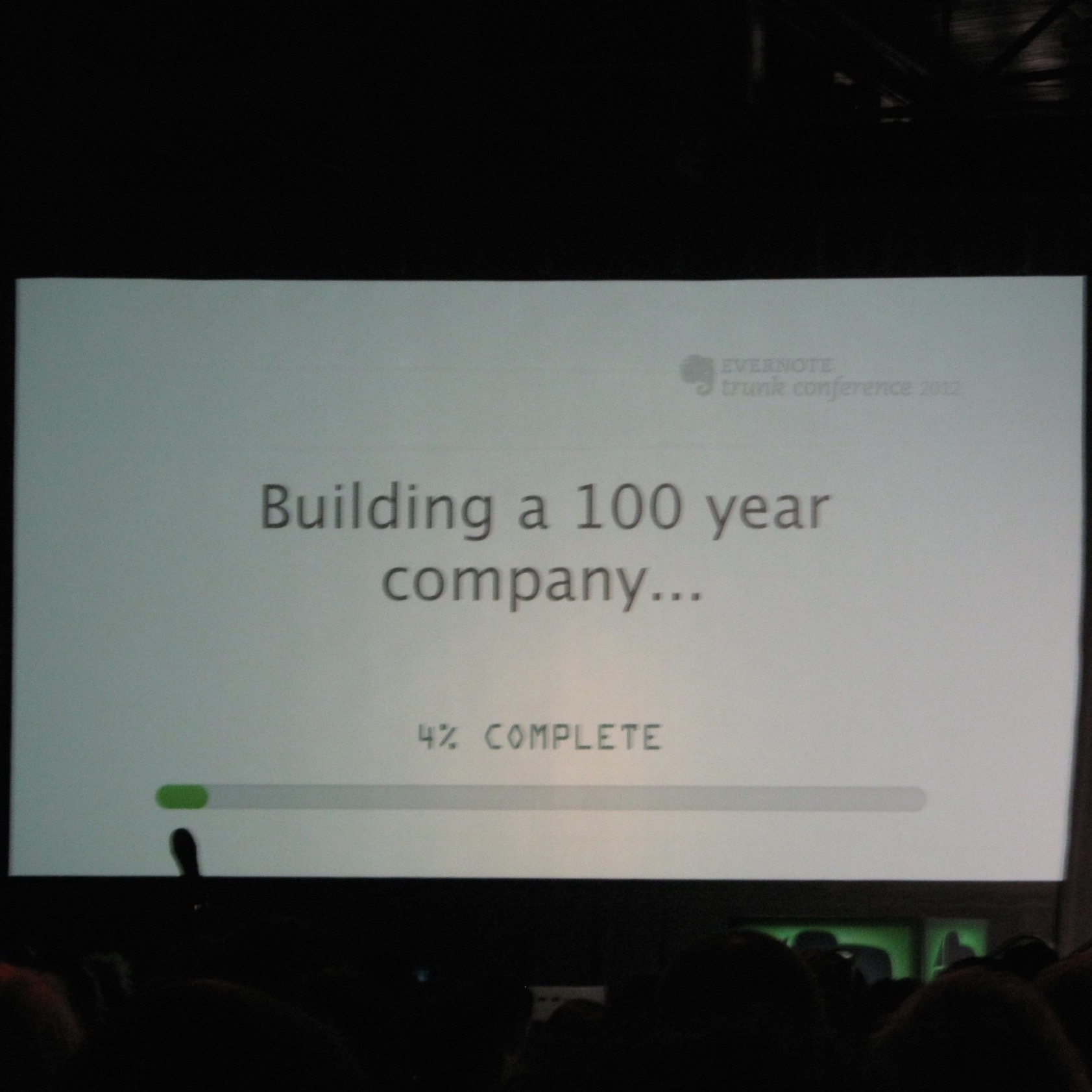
Anyway, after that holster of emotions, there I was at the Concourse Exhibition Center & Trade Show Facility. It was great to be among so many enthusiasts like me.
Blending Analog and Digital
Listening to Phil-Libin share his ideas and vision for the product was a fantastic experience, but there was more. The announcement of the Moleskin partnership happened in such a clever way. When we got back to the conference room, we found this envelope with the words “Do not open.”
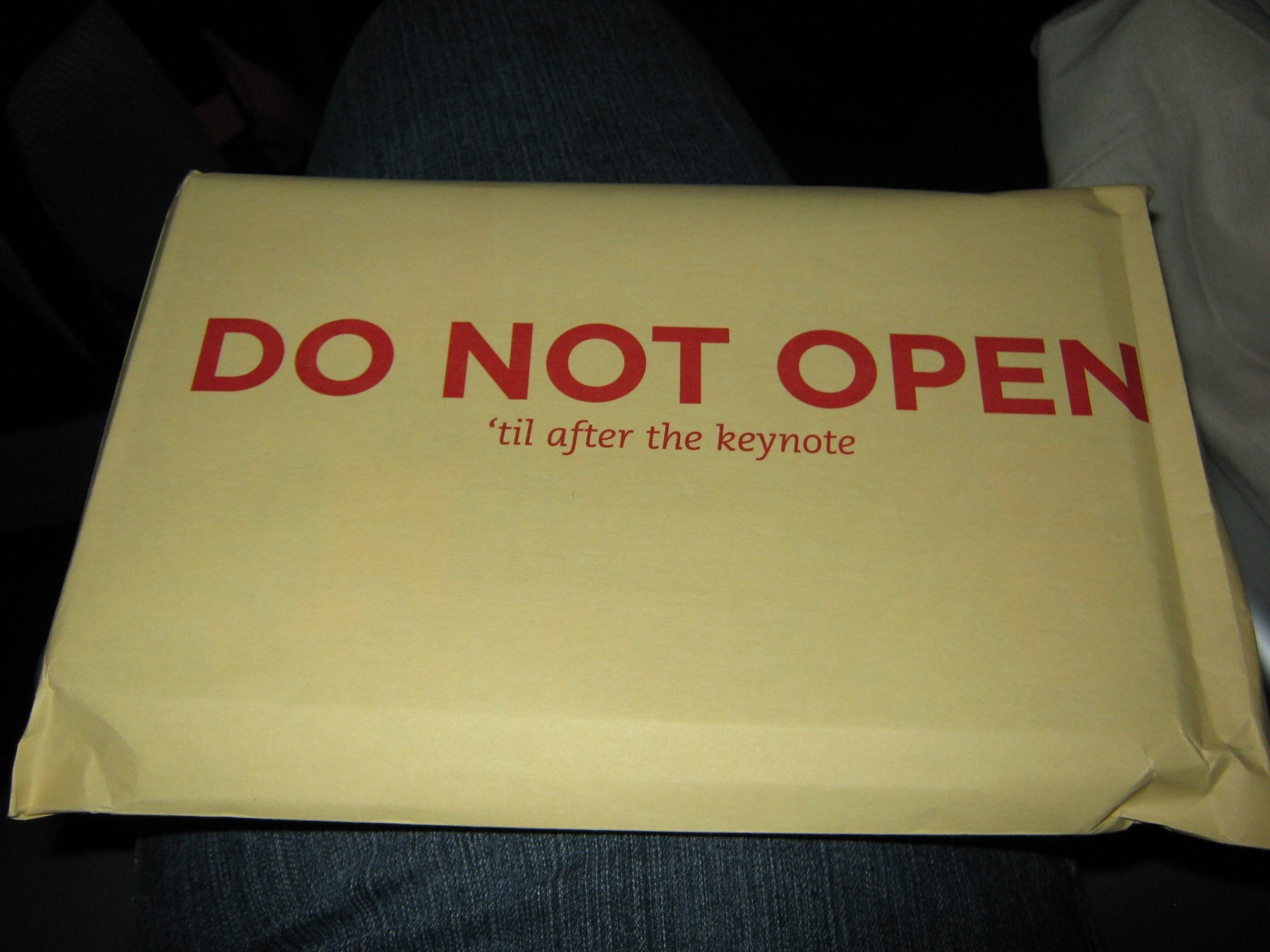

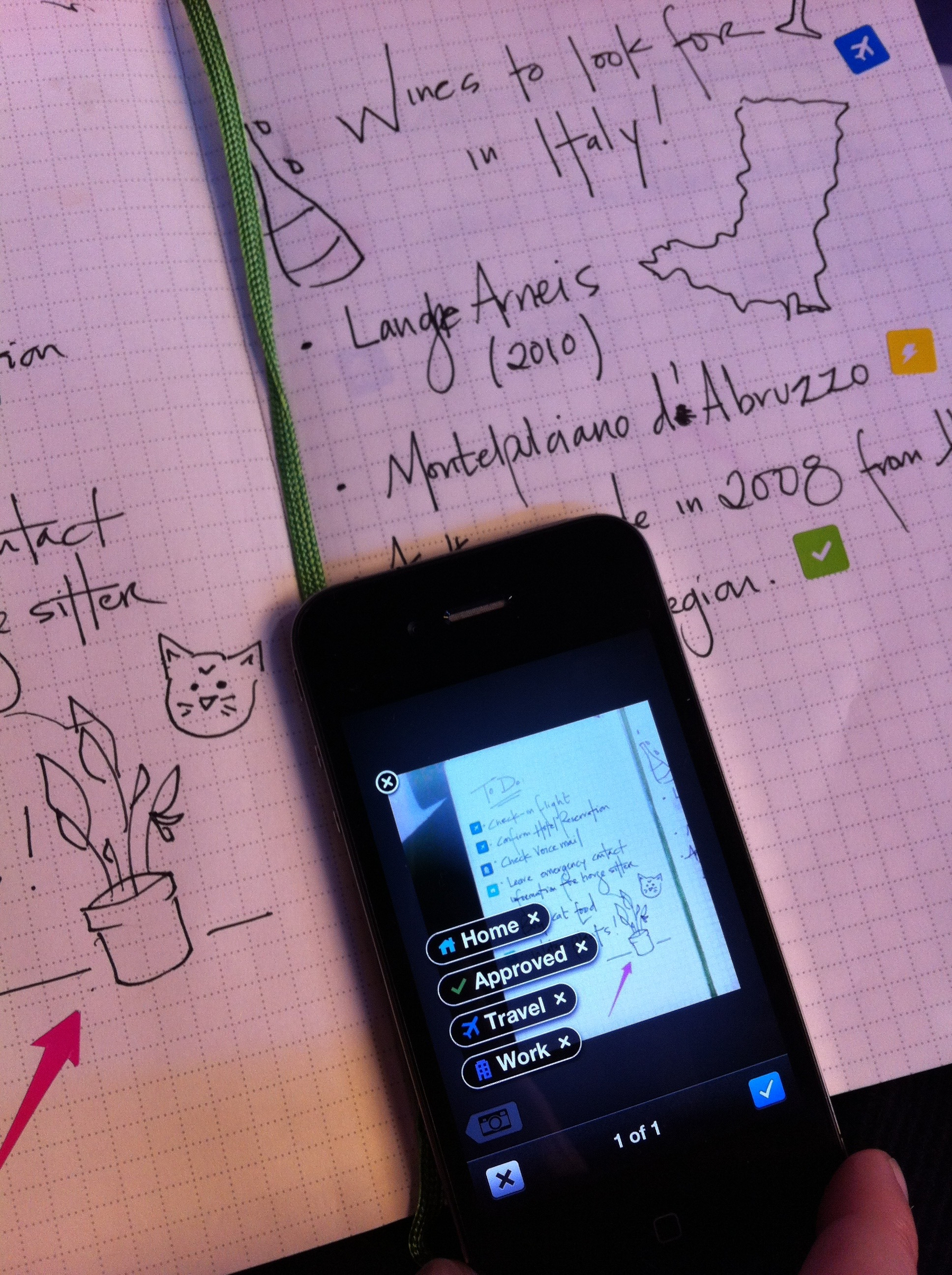
After listening to Arrigo Berni, the CEO of Moleskin, we were finally introduced to this new product. The Evernote camera will “understand” stickers that come with the Evernote Moleskin, automatically save them to a preselected notebook, and even add tags. I can’t wait to use this and share my thoughts.
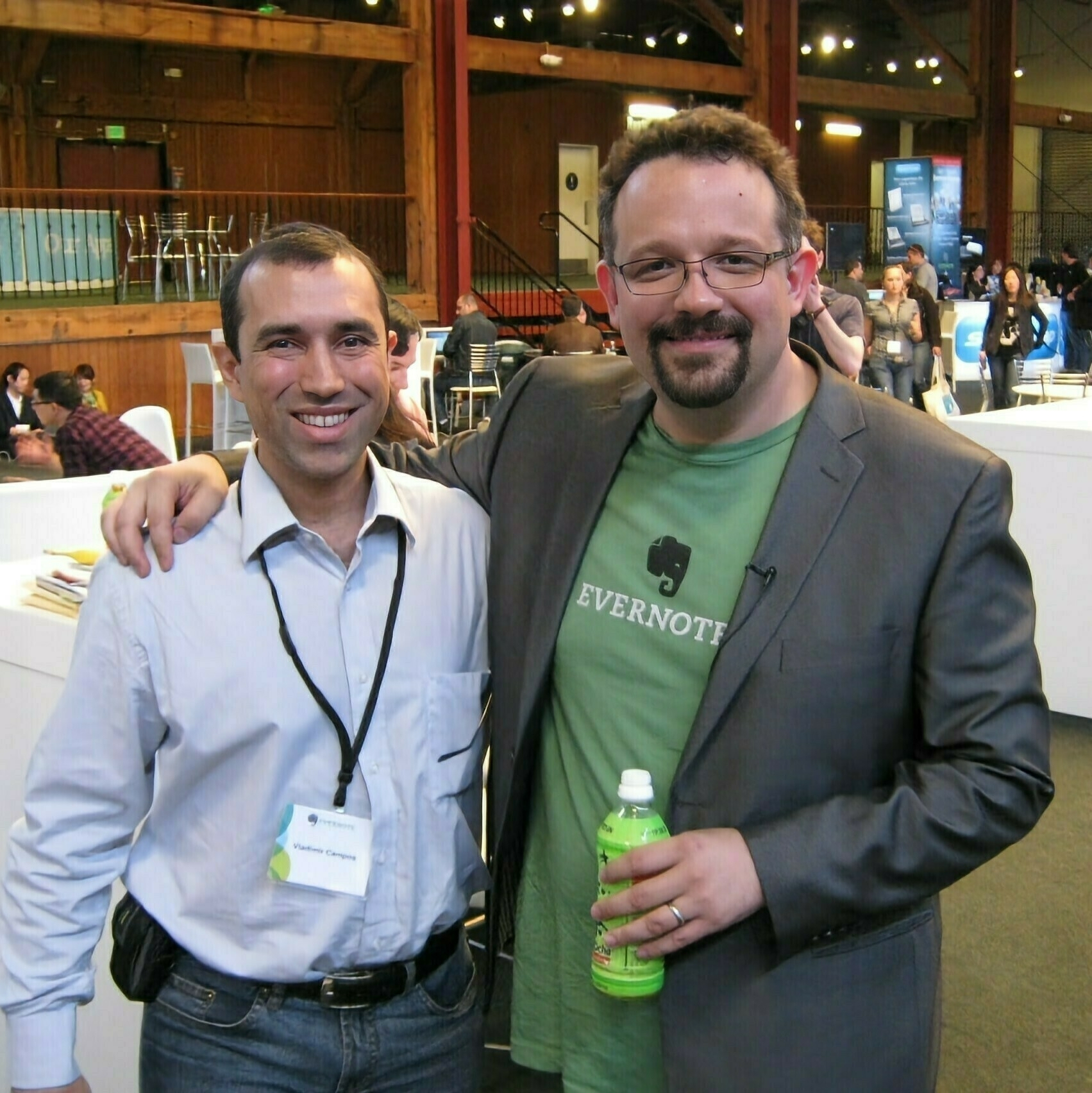
And to top it all off, I managed to snap a pic with Phil-Libin before I headed out. It was such a great day. Thank you, Evernote, for inviting me! I loved every minute of every moment of it.

MacGyvering a broken suitcase.
The plan was to contrast two realities that couldn’t be further apart by spending a couple of days in Berlin after our long journey across India by train.
It’s January, and since the weather was the opposite in both countries, we had to bring two very different types of clothes. That’s why we are traveling with a suitcase that isn’t the appropriate size for trains.
Long story short, always dragging it sideways on train hallways and then pulling it on the rough terrain around the stations damaged the wheels and turned it into a limping suitcase. Although it was like driving with a flat tire, it didn’t make sense to fix it because it would break again. But now that we are in Berlin, I decided to take a look at the situation.
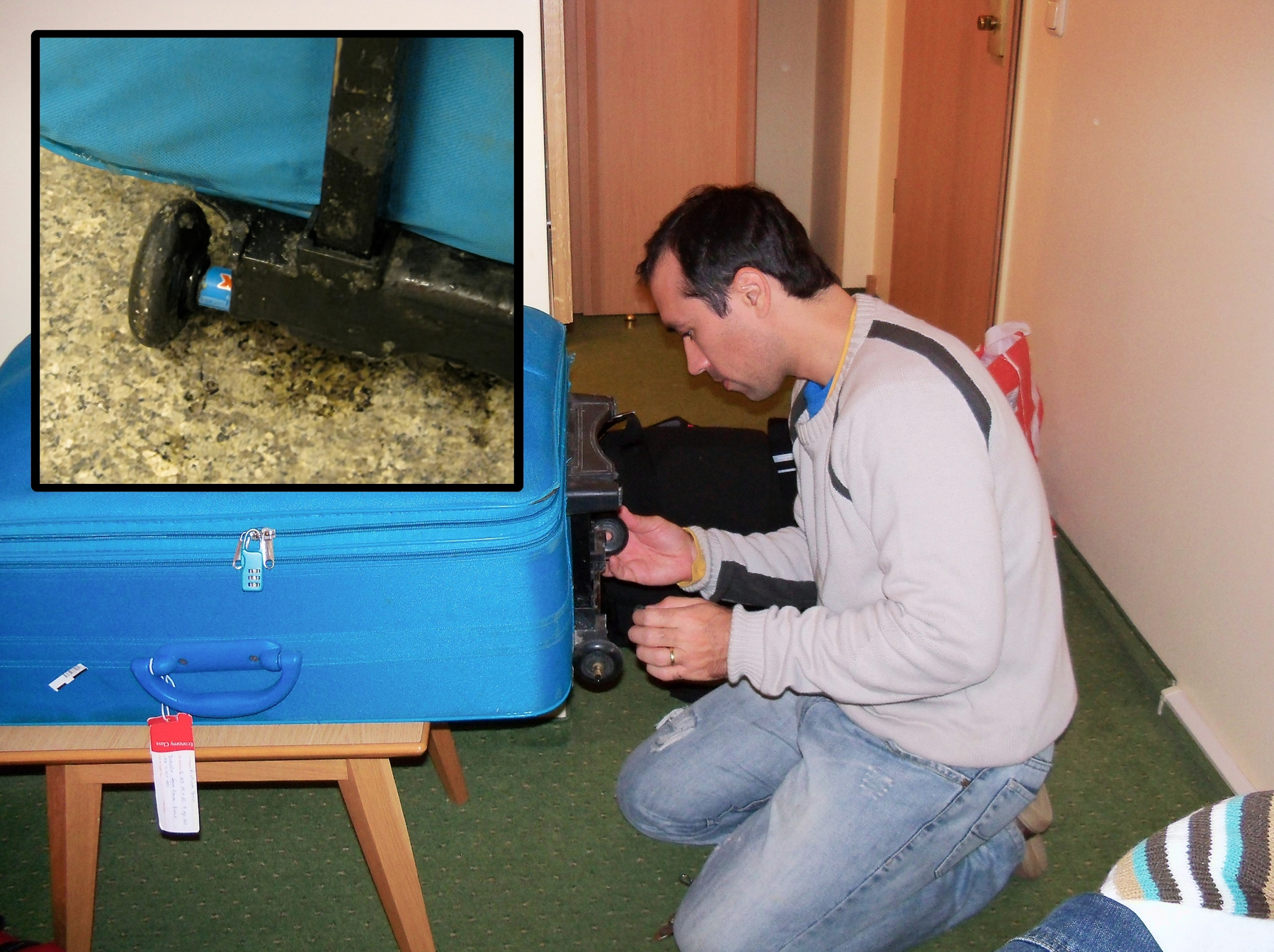
I thought the wheels were just jammed, but that wasn’t the case. Two of them lost almost all of their bearing spheres, and there’s no way I can fix that with the tools I brought with me.
After some investigation, I was able to dismantle the axle and reposition one good wheel on each side. I was happy to have a working rolling suitcase again, but the wheels were too loose and that was not going to last long. The solution was to MacGyver it by cutting pieces of a pen barrel, which I used as a spacer. And that worked like a charm.
The Taj!
I’m not trying to say that the Taj isn’t impressive. It is! But I believe first impressions have everything to do with expectations.
This India trip was my wife’s idea. Meaning that she chose the cities and most of the places we are visiting. With that information in hand, I started reading books, tour guides, and anything I could find to learn all I could about the subcontinent. What I’m trying to say is that although I’m absolutely loving this trip, I believe I wouldn’t be here if I were the one selecting our next destination.
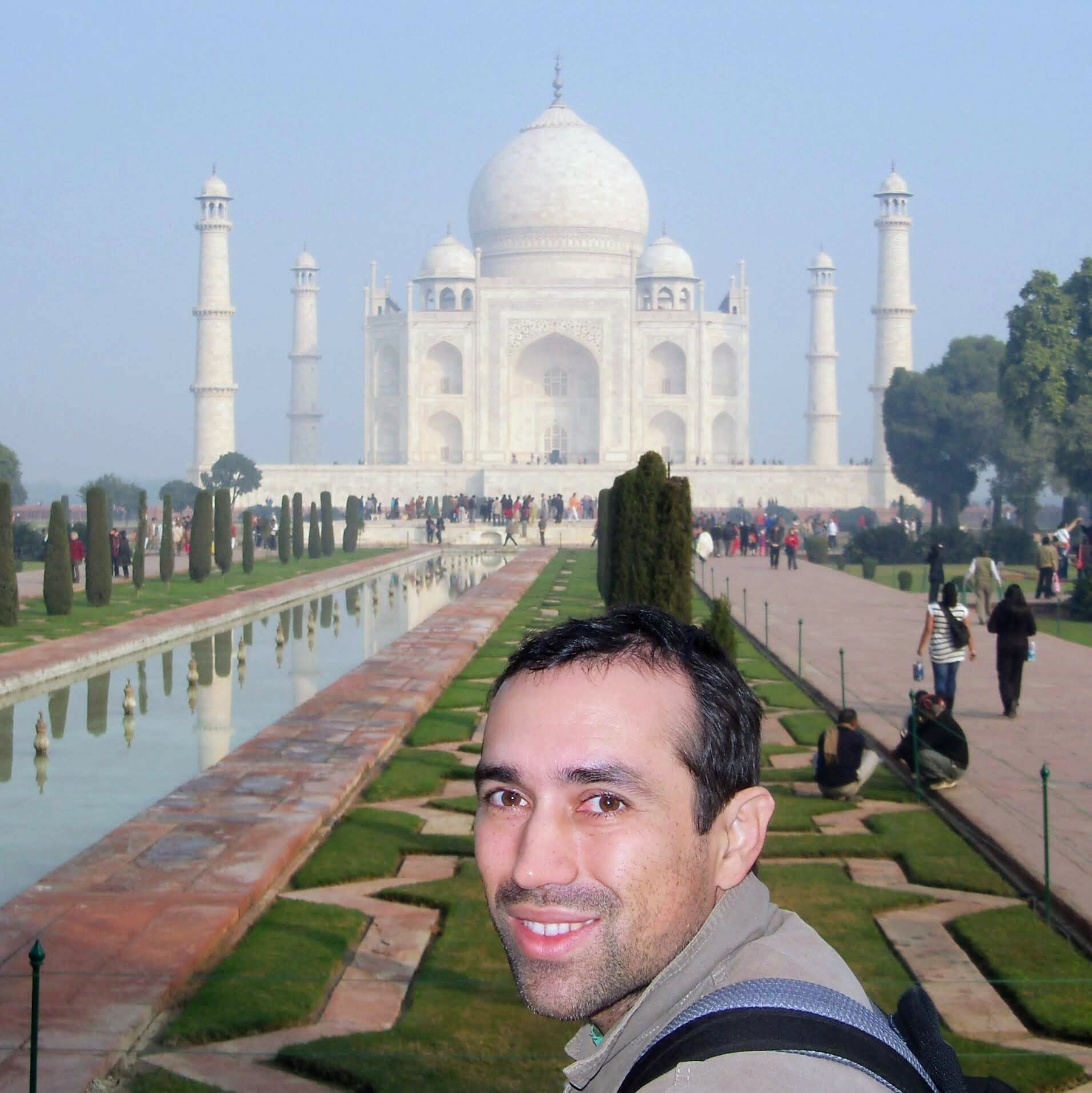
Back to the Taj. The drivers we hired to bring us there dropped us in a sort of street market, with locals selling all kinds of souvenirs. We kept walking, walking, but there was no Taj to be seen. When I was starting to think they had dropped us in the wrong place, there it was, a typical Indian line and another metal detector, that I knew wasn’t working. So far, none of the ones we had gone through were working.

Yep, exactly as I expected, the metal detector wasn’t working, and they were searching all the bags at the entrance. But in hindsight, I think that added to the mystery. I could see a glimpse of the Taj from where I was when they started checking my bag, but that wasn’t enough to prepare me for how spectacular it looked.
Compared to the crowd we left behind us, all that space and a super bright white building created the most impressive first impression. It is so white and so bright. Wow.
Freedom at Midnight
I came across the book Freedom at Midnight while browsing the shelves of used bookstores. At that time, I was searching for everything I could read to help me learn more about our next adventure. So, finding a book about India before our trip to the country was no coincidence. However, it was a great surprise to come across this book in particular.
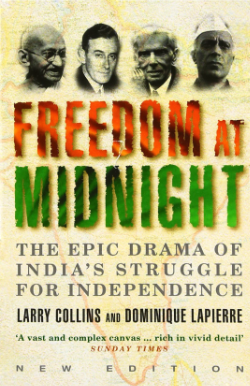
This is an exceptionally well-written account of the touching life of Mahatma Gandhi and the history of India’s independence. It touched me so deeply.
Update: I learned so much about the country and its most significant historical figure that I wanted to give it to my friend, who was also planning a trip to India. But I couldn’t help it and recently bought another copy to read it again.
The intricate task of replacing the iBook G4 hard disk.
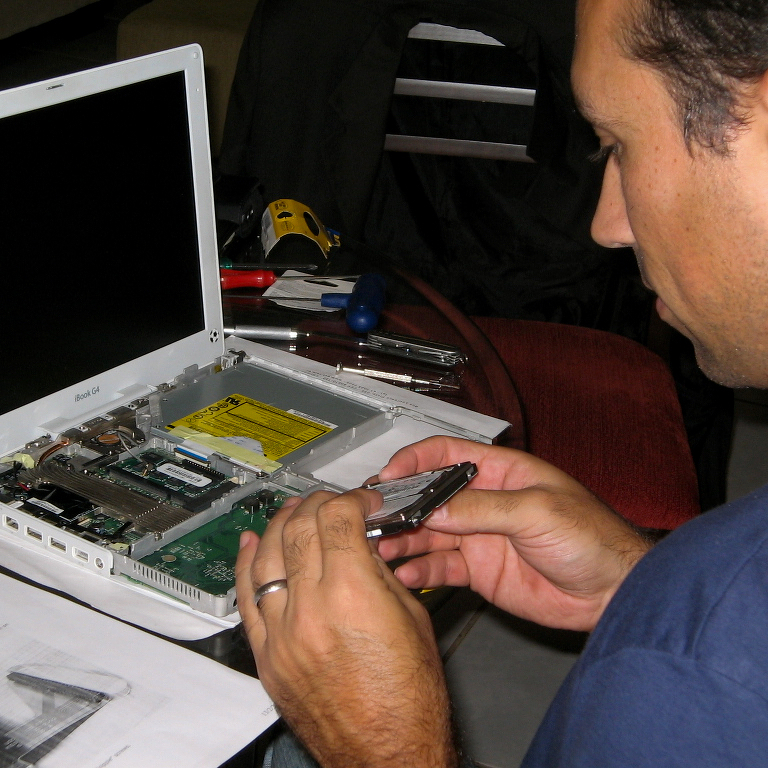
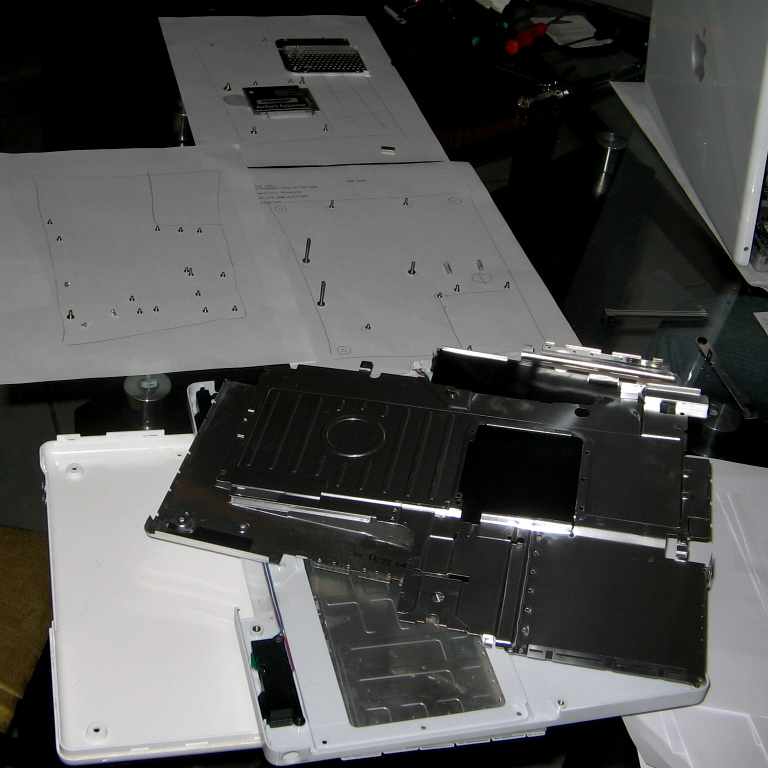
First, I connected the new disk to the Mac via USB, and with the help of Carbon Copy Cloner, I created a perfect copy of the old disk, which was still inside the computer. Then, after many layers and countless screws (pictures below), I finally reached the disk and replaced it.
The operation took me a good number of hours, and despite the flawless boot, the sleep and wake function was not working when closing and opening the lid. It took me a while to figure it out, but the culprit was one of the magnets not being correctly aligned. Here we go again. To get there, I had to take off some layers and screws one more time.
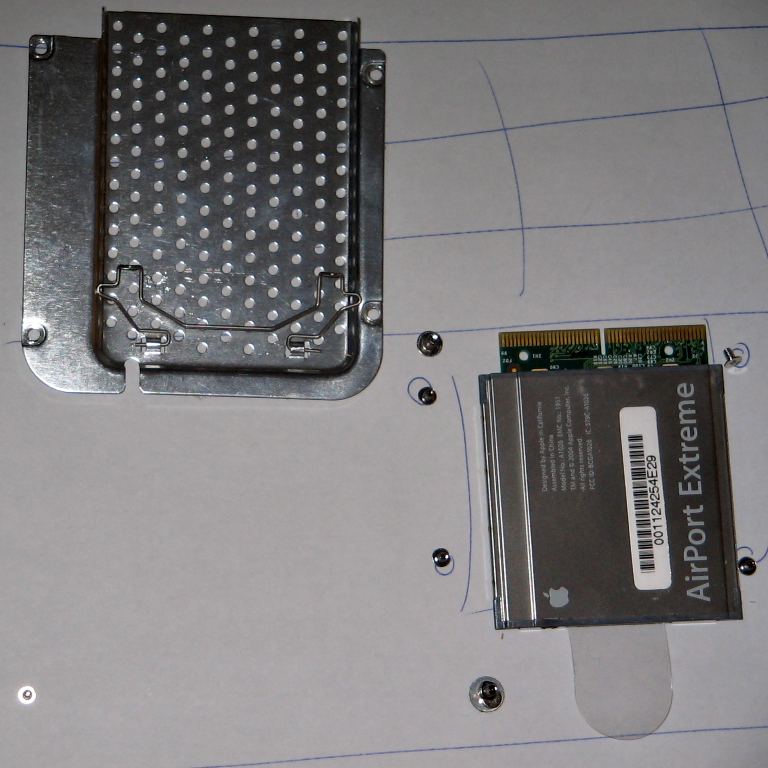
The next problem on the list was the Wi-Fi not working. I checked the Airport Extreme card, which is easily accessible below the keyboard, and everything looked fine. After several hours of troubleshooting the operating system without any success, I realized how late it was and went to bed.
By the way, when you feel stuck, it’s a good idea to take a break or switch to a different project. It always works for me, at least.
The Next Day
I’m not going to lie to you. Throughout the day at work, I wondered what could be wrong with my computer. If everything was fine with the operating system, maybe I have damaged the Wi-Fi card.
Back at home, I decided to check the card again, and when I touched it, I noticed that the antenna cable connector was not completely pushed in. The moment I pressed it and heard the click, I knew the Wi-Fi would be fine.
Wow, what a mission!
Carbon-Copy-Cloner
First 15K (using my Nike+iPod hack)
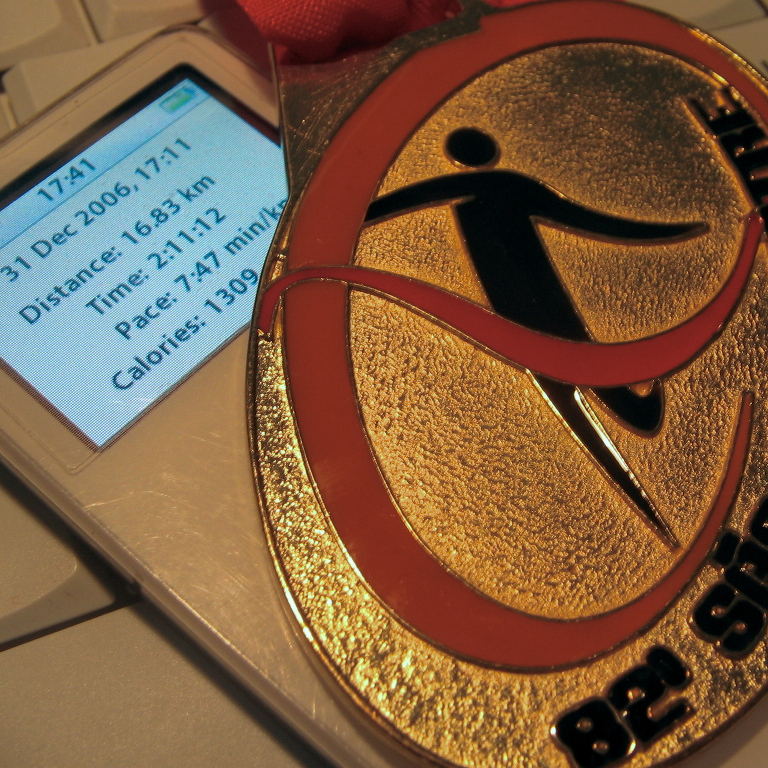
Yesterday, I completed my first 15K!
It was very difficult, and my time was terrible, but I am so happy to have completed this race. It has not been that long since I started jogging, with my first small victory being running around a park with less than a third of this distance.
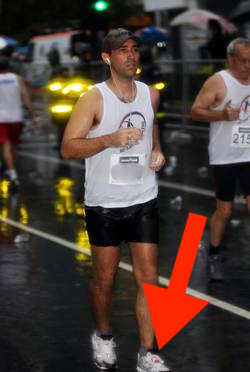
I’ve been using the hack below almost since I bought the Nike+iPad and I never had a problem. I’m pretty happy with it.
Nike+iPod hack
Even though I don’t like Nike running shoes, I love running with my iPod, so I got the Nike+iPod tracker as soon as I could. But since it was announced, I have been trying to figure out how to attach it to my non-Nike shoes. Inspired by some adaptors being sold online, I came up with a simple hack.
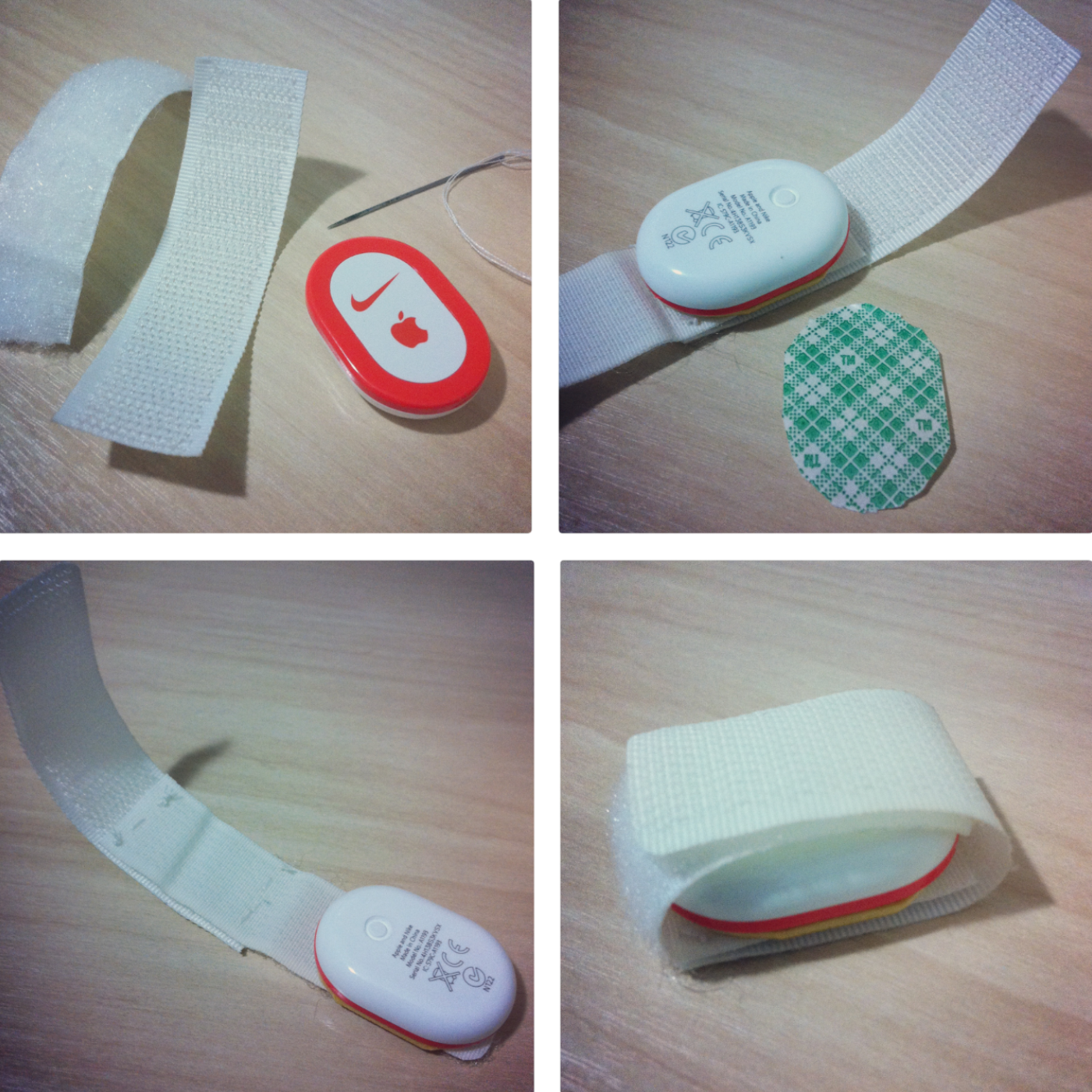
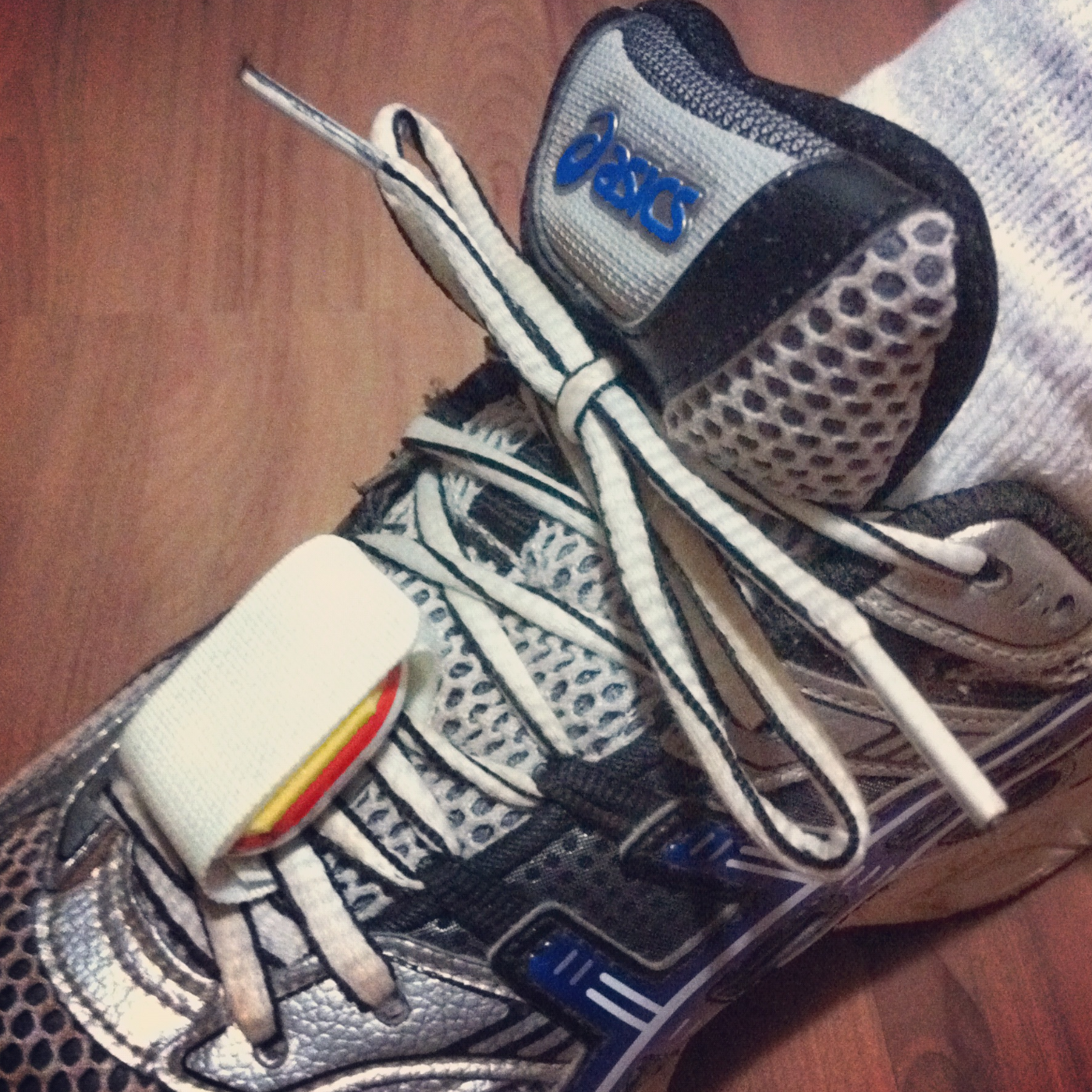
These are just two sides of a velcro trip attached to each other on one end. Because one is facing the other, the attachment sides will also meet on the opposing end, closing the loop after passing it under the laces. I don’t really think it was necessary, but I stitched the center part just in case. As for the Nike+iPod, I glued it using 3M double-sided tape.
Odyssey
Reading Dealers of Lightning sparked a curiosity to learn more about the history of technology, and that’s when I started looking for other similar books.
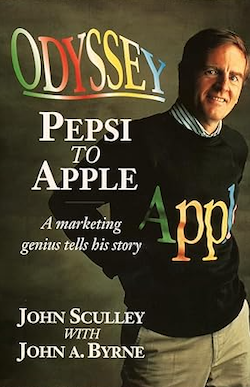
I see Odyssey as an autobiography by Sculley, centered on his trajectory at Pepsi and then Apple. But it is a fun read nevertheless. Especially because I understand things better when I have a clear chronological sense of the timeline of events. While Defying Gravity, Startup, and Piloting Palm helped me with the mobile computing industry context I was immersed in at the time, I needed more.
So, even if the narrative is from the perspective of John Sculley, it helped me add some more pieces to the broader historical context I’m trying to understand.
Piloting Palm
Piloting Palm was the first book I read on my Palm. It couldn’t be more appropriate: a book about Palm, read on a Palm.

But the most interesting part is being able to look at the device I’m reading the book on and see some of the details being described in the book. As a person super passionate about this device, it’s really difficult to put this down. Not to mention that it’s not even technically possible, as the Palm is always with me! LOL.
Dealers of Lightning
I wish I could remember who recommended this book to me, but the only thing I recall was my desire to learn more about Xerox PARC to understand what it actually was. Before reading Dealers of Lightning, all I knew about it was the legendary story of Steve Jobs going there and stealing the ideas of a graphical user interface for the Lisa and then the Mac. I was keen to know more.
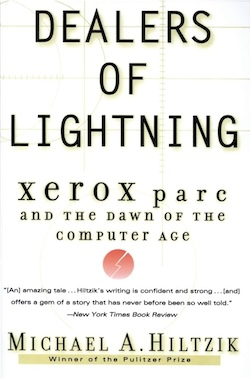
What started with a very specific goal in mind ended up being one of the most inspiring books I’ve ever read. I completely fell in love with Xerox PARC and wished I could go back in time and somehow be there as an invisible specter, watching all those brilliant minds inventing remarkable things for the first time.
Defying Gravity
I wouldn’t classify Defying Gravity as a book. The coffee table format, all the pictures, and the narration in chronological order make the reading feel more like watching an extraordinarily well-made documentary about the behind-the-scenes of the Apple Newton creation.
As a teenager, I remember seeing so many Newton ads and articles in computer magazines. A self-inflicted torture, I would say, as my second-hand Apple II+ with almost no accessories was all I could afford after saving money for so long.
Needless to say, I was so fascinated by this book. Despite the size and shape, I had to bring it with me on a long trip from Brazil to Mexico to keep rereading it at the airport and on the plane.
Palm Tipsheet 15.0
Originally published by Palm Tipsheet. February 2001.
In this month’s Palm Tipsheet, guest writer Vladimir Campos of PalmBR.com will discuss Yahoo’s online calendaring services and their synchronization with a Palm handheld. We’ll also talk with British Palm user Kevin O’Rourke about his Visor Deluxe and Palm’s popularity in Britain, home of the Psion.
(…)
A Virtual Desktop with Yahoo! Calendar
by Vladimir Campos
Before Palm Inc. started promoting their new MyPalm Portal, several other companies already had been providing online synchronization services for Palm handheld users. Palm’s acquisition of AnyDay and WeSync demonstrates how important and valuable online services are to Palm handheld users.
Although Palm Inc. bought AnyDay.com and WeSync, Palm users still have the option to access other independent companies like Yahoo!, who provide similar synchronization services. Just imagine having Yahoo! services working together with your Palm handheld to store your information online. Yes, you can have all your contacts, appointments, to dos and memos available online at Yahoo! in complete sync with your Palm handheld!
The Services – Yahoo! became popular because of its pioneer web index created in the early days of the Web, followed by other services like Yahoo! Mail and other acquired companies such as Geocities. Yahoo! now offers a complete suite of online tools which can sync with your Palm handheld, and are available from a web browser:
*Yahoo! Calendar – An online day planner and to do list which displays and allows for editing of your Datebook and To Do application data:
*Yahoo! Address Book – A complete online address book, which syncs with your Palm’s address book and can be edited in any web browser:
*Yahoo! Notepad – Provides a place to take quick notes while surfing the Web and to view your Palm’s Note Pad data:
Although Yahoo! has other online services, these are the most important ones for Palm users, since they match the Palm Address Book, Datebook, To Do List and Memo Pad and can sync with them via conduits (provided by Yahoo!).
Additionally, all of these services are available in the Yahoo! Mail menu and can be easily used in conjunction with MyYahoo! and Yahoo! Companion:
http://mail.yahoo.com/
http://my.yahoo.com/
http://companion.yahoo.com/
A clear example of integration is the use of Palm Address Book contacts in Yahoo! Mail. In other words, the Palm Address Book data synchronized to Yahoo! Address Book can easily be accessed and used to send e-mails using Yahoo! Mail. Also, MyYahoo! and Yahoo! Companion can be used together with your web browser to give access to other important data synchronized from your Palm while connected to the Internet.
One interesting feature of Yahoo! Mail is that users can still use their own e-mail address together with Yahoo! Mail services. It is possible to change the ‘reply to’ information in Yahoo! Mail to use a company or provider e-mail address (for example: your_name@your_provider.com) and set the POP3 configurations at Yahoo! Mail to download e-mails from your_name@your_provider.com. These alternatives make it possible to use Yahoo! web mail services with any e-mail address.
Synchronizing – There are two Windows-only conduits currently available from Yahoo! which may be freely downloaded and used to synchronize Palm and Yahoo! services:
Intellisync for Yahoo!:
http://help.yahoo.com/help/intsync
TrueSync for Yahoo!:
http://help.yahoo.com/help/sync
In both cases, during installation and configuration of the software, the user must select the Palm, services, items, priority, etc. to be synchronized. More information is also available at ‘options’ menu in the Yahoo! Calendar.
IMPORTANT NOTE: It is very important to backup the data stored on your Palm handheld before syncing with Yahoo services. Be sure to follow the installation instructions carefully! If you decide to remove these sync tools, be sure to follow the uninstall steps exactly as described on the Yahoo! website. Great care should be taken, since a small error in the setting of priority, equipment and/or items to be synchronized could conceivably erase your Palm’s data!
Why Synchronize With Yahoo? – The first benefit of synchronization is a permanent and constant offsite backup of your data. If you loose the data in your Palm or your desktop crashes, you will still have access to everything on the Web. Also, the information stored in the Palm device can easily be accessed and edited virtually anywhere; at a Cyber Cafe, school, friend’s house, work, business or vacation trip, etc. Once it’s set up, HotSyncing will transfer all of the data between these Yahoo! services and your Palm and from your Palm to the Yahoo! services.
Another interesting feature is the use of Yahoo! Mail SMS services for notifications. Palm Datebook appointments synchronized to Yahoo! Calendar can have alarms sent to a cell phones or an e-mail address as chosen by the user. Notifications can also be set to work together with Yahoo! Messenger and notify user while she/he is connected to the Internet. For those who work in group, it is also possible to share parts of the Yahoo! Calendar with other Yahoo! users within your work group.
Other Yahoo Services for Palm users – Some Yahoo! services also have versions which can also be used in the Palm. There is a version of Yahoo! Messenger compatible with Palm OS and even an AvantGo Channel that reflects MyYahoo! configurations on the handheld. Yahoo! Mobile has more detailed information about these services:
Yahoo! Mobile:
http://mobile.yahoo.com/
Conclusion – Finally, I encourage you to use your imagination and explore these and other Yahoo! services to turn you Palm (and data) into a powerful mobile tool.
A Note From the Editor – Special thanks to Vladimir Campos of PalmBR.com for sharing his excellent ideas about ways to bring your Palm handheld information online. I’m sure his article will spark ideas for other Palm users who may not have been aware of these useful free services.
For Palm users in Brazil and Portugal, Vladimir has also posted a Portuguese version of this article on his website.
Finally, feel free to check out Vladimir’s excellent Palm-centric website:
PalmBR provides comprehensive information to the Portuguese speaking Palm community, with news, reviews, and in-depth information on everything Palm.
Startup
Although Startup was written from the perspective of Jerry Kaplan, the founder of GO Corporation, it was a fascinating read, especially because I could learn about the existence of the PenPoint OS and the tablet itself—which, to be honest, I had never heard about before.
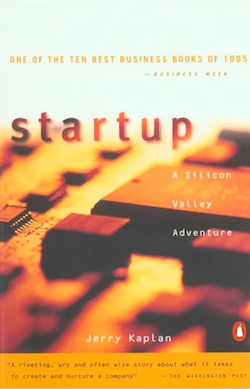
The book is almost an adventure tale, as Kaplan shares many details of his journey to bring his vision to fruition. Not to mention all the personal details and the drama with giants like Microsoft and Bill Gates.