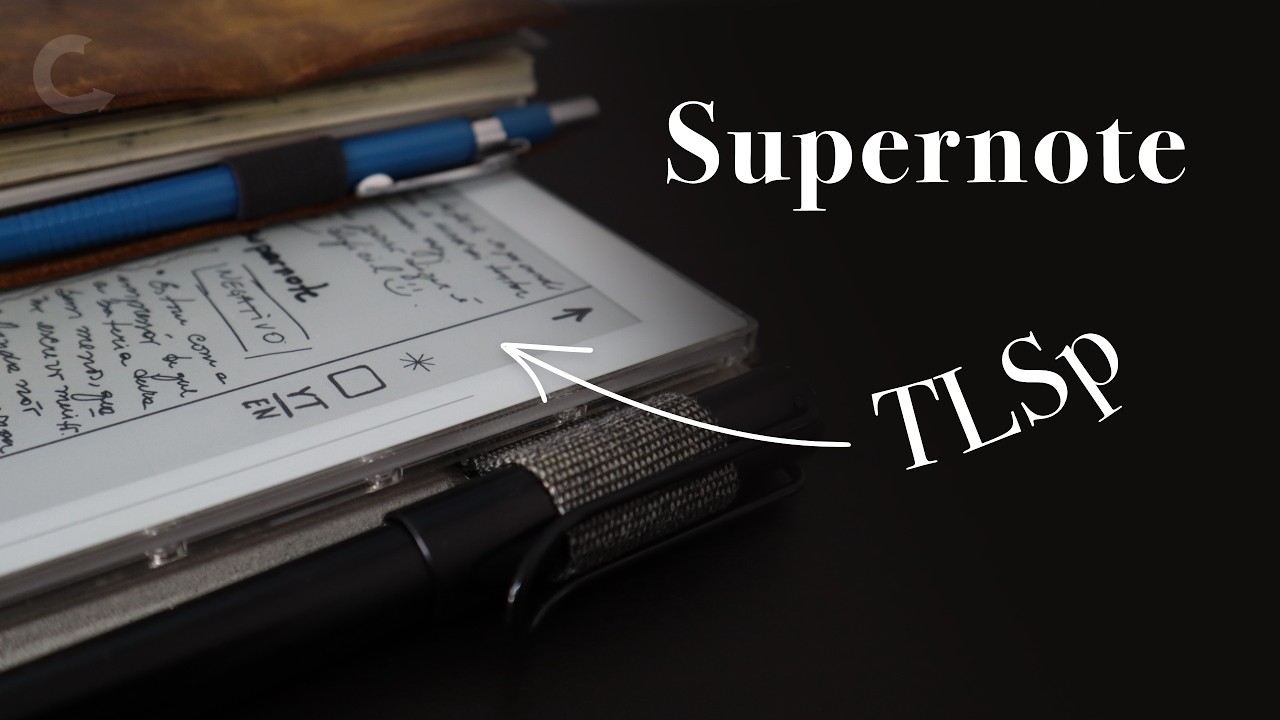
Is the Supernote better than paper for TLSp?
2026-08-10 09:43
I'm not sure how long I'll keep doing this, but the Supernote is such a good match for the TLSp that I had to share my idea with you. If you are new to the TLSp, please check out all the articles and videos at vladcampos.com/tlsp, because I'm going straight to the point here.
The Supernote
At its essence, the Supernote is an eInk note-taking device. However, options like tags, links, stickers, and more make it a fantastic choice to run the system I built for paper, but merged with features only present in digital devices. In other words, it's kind of like using Obsidian, but with handwritten notes.
And there's more. Because of its hackable nature and the fact that its system runs on top of Android, there's so much one can do to personalize it. If you'd like to check out everything I've been trying, keep an eye on this page.
💡 TIP: There's a video at the end of the article where you can see all the explanations below in action.
Templates
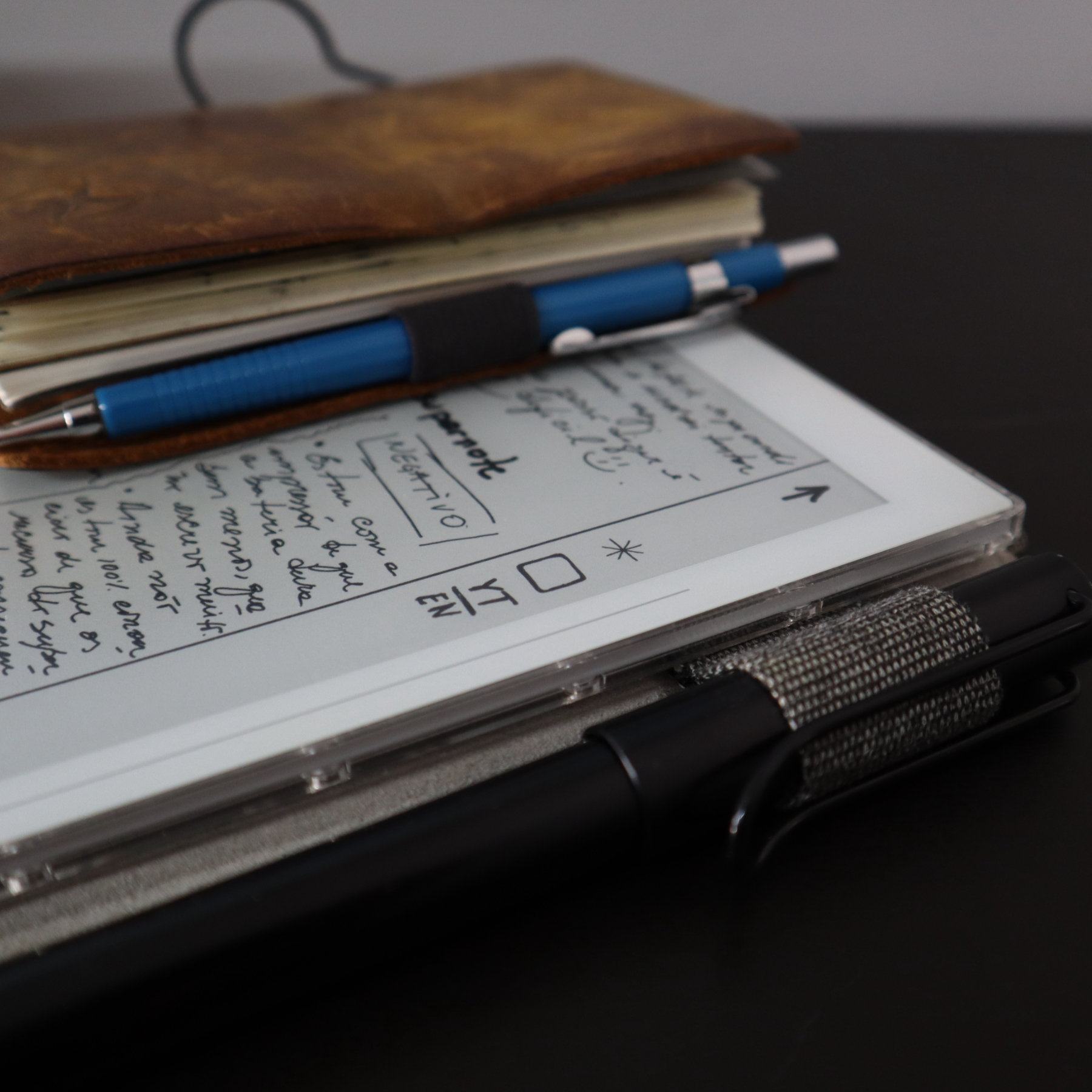
Using your own templates on the Supernote is as easy as saving them in the MyStyle folder. That's it. Now, when you start a new note, it will be one of the options under View All → Customization.
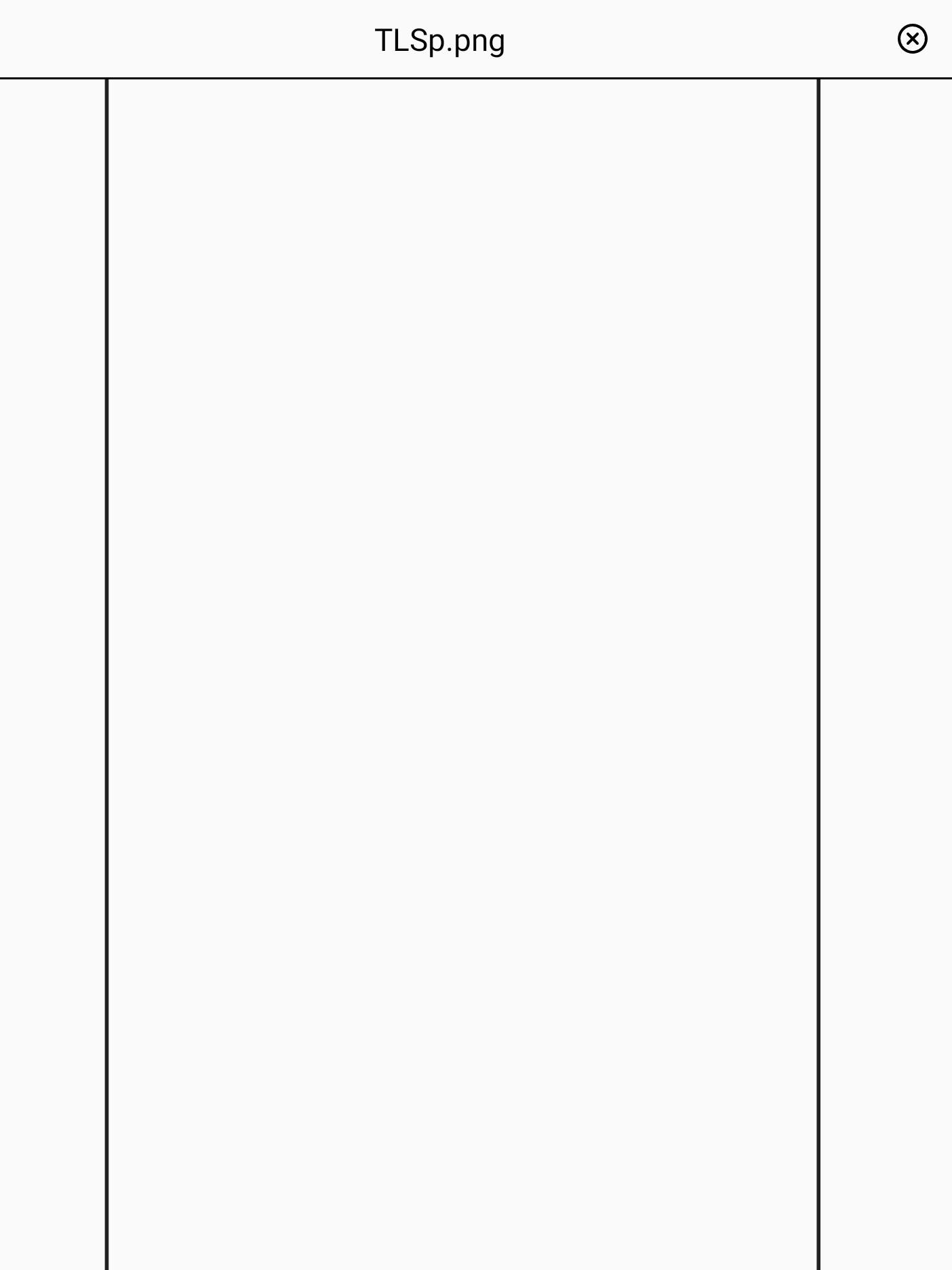
After some tweaking, I created the TLSp template, which is basically two vertical bars. The one on the left isn't strictly necessary, but I wanted a divider to separate my notes from the menu bar. I show this in the video below.
Stickers
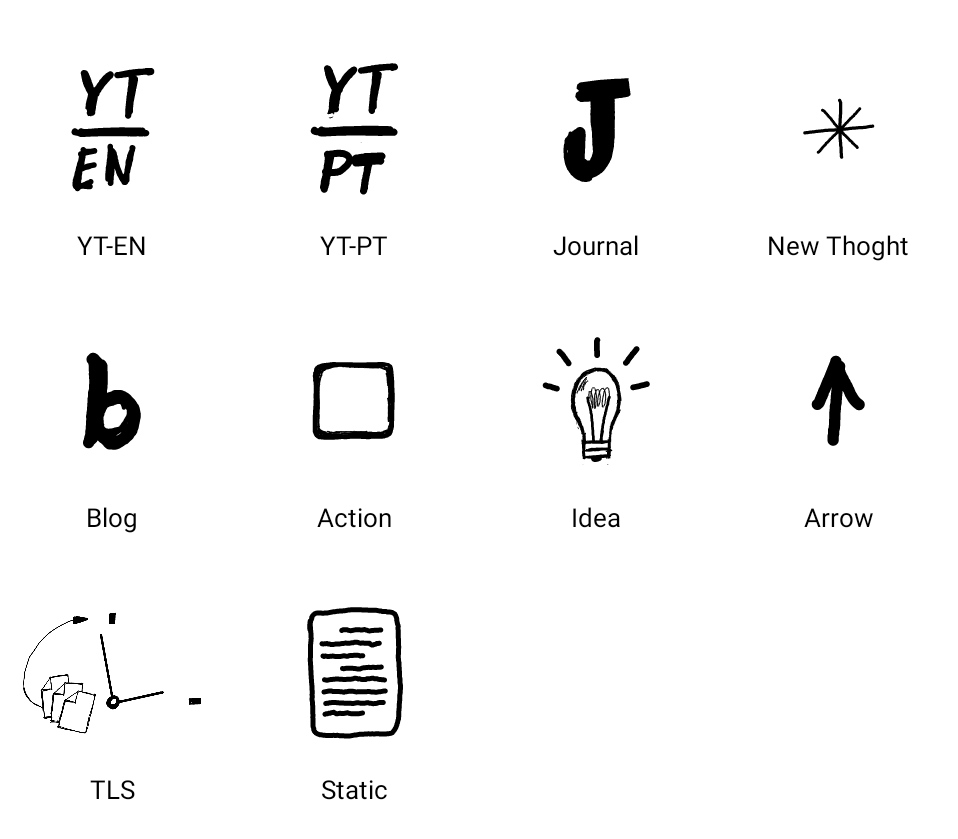
Anything you draw on the Supernote can become a sticker to reuse as many times as you want. It's as simple as using the lasso tool and selecting New Sticker. You can even organize them into collections, like the one below, where I'm keeping the system icons I've been drawing.
Tags
But here's where the magic starts. The lasso tool on the Supernote can also be used to turn anything into a tag or a task. So, after adding one of the icons to the sidebar, I can link it to a tag — which the Supernote calls a Keyword.
Yes, you can filter notes by tags. All you have to do is go to the search page (please refer to the video below) and choose Keyword from the dropdown menu.
And because anything anywhere can become a task, I can do the same with the tags I create using the boxed words I explained in this other article.
Tasks
Let's use the lasso tool again, but this time to create a task. The steps are basically the same, but instead of choosing Keyword, select New Task in the menu. All your tasks are listed in the To-Do app. From there, you can jump straight back to the related page. And if you install the companion app on your phone, your tasks and linked notes will be there as well.
Can you guess what I'm doing? The part of the text explaining what I have to do becomes a task. And because the Supernote recognizes text, there's no extra writing needed.
Links
Remember my analog linking system? The lasso tool can help us here, too. After adding the (n) code to the sidebar, it's just a matter of using the lasso and clicking the chain-link icon. Next, select the style of the link and choose which page or note you'd like to link that text to.
TLSp as a Fallback
With all these features, you might be asking: why bother using the TLSp in the first place? In my case, it works as an analog backup. As far as I know, the Supernote .note format is proprietary. Furthermore, .note files are ginormous. Thankfully, you can move notes to an SD card or save them on a computer. The issue is that some of those cool features I described stop working once the note is removed from the main storage space.
Another option is exporting them as images or PDFs. For now, my plan is to export notebooks each month and save the PDFs in Obsidian. Many of the native Supernote features won't work anymore, but that's where having the TLSp symbols acts as a fallback system. I can navigate the PDF just like I do in a paper notebook.
And because using the Stickers feature keeps the symbols identical on every page, I believe I can even teach an AI model how the TLSp works to transcribe the notes, convert the icons into tags, and create separate Markdown notes for Obsidian. But I'm getting way ahead of myself. For now, this is just an idea that I'll invest time into if I stick with this system on the Supernote long enough.
Pros and Cons
I've found this to be a very pleasing solution for many reasons. First, I love how easily I can move things around, especially drawings. Then, there's the fact that I can use a single device to read eBooks and take notes using the TLSp.
It also solves a problem I have with paper. I always get great ideas after a run, but because I'm covered in sweat, paper isn't really an option. The Supernote has always been an alternative, and it was never an issue. Finally, the seamless syncing and PDF exports give me a straightforward backup solution.
Of course, there are downsides. Heavy use will definitely drain the battery faster. I'm pretty sure it will still last a long time, but real paper never needs to be recharged. And the freedom I've experienced from migrating away from the rechargeable Garmin watch quickly taught me how good that feeling is.