From Books to Articles: the state of my Calibre library in Obsidian
2026-11-27 14:55
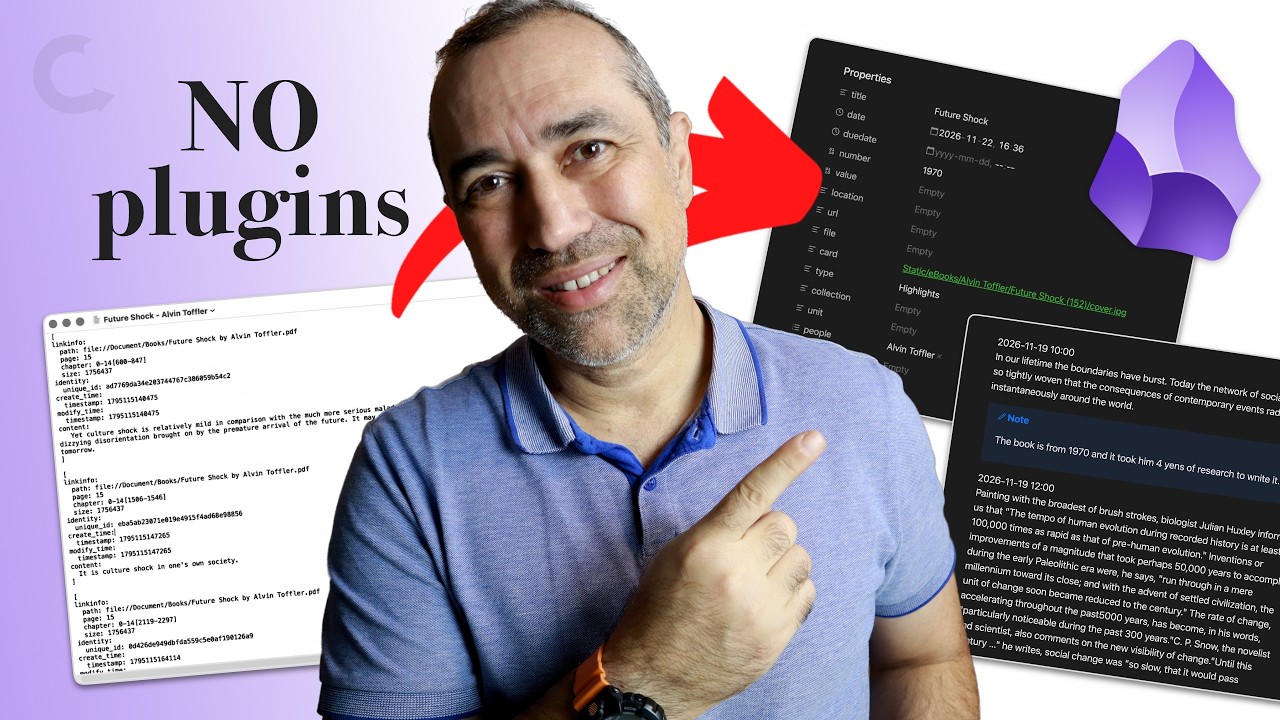
For the past few days I've been having this incredible conversation with David about what he called "Rethinking the Boundaries of an Obsidian Vault". More specifically, about the fact that I keep my Calibre library in Obsidian. That conversation is what triggered the new idea I share in the video below.
Why I have two author folders
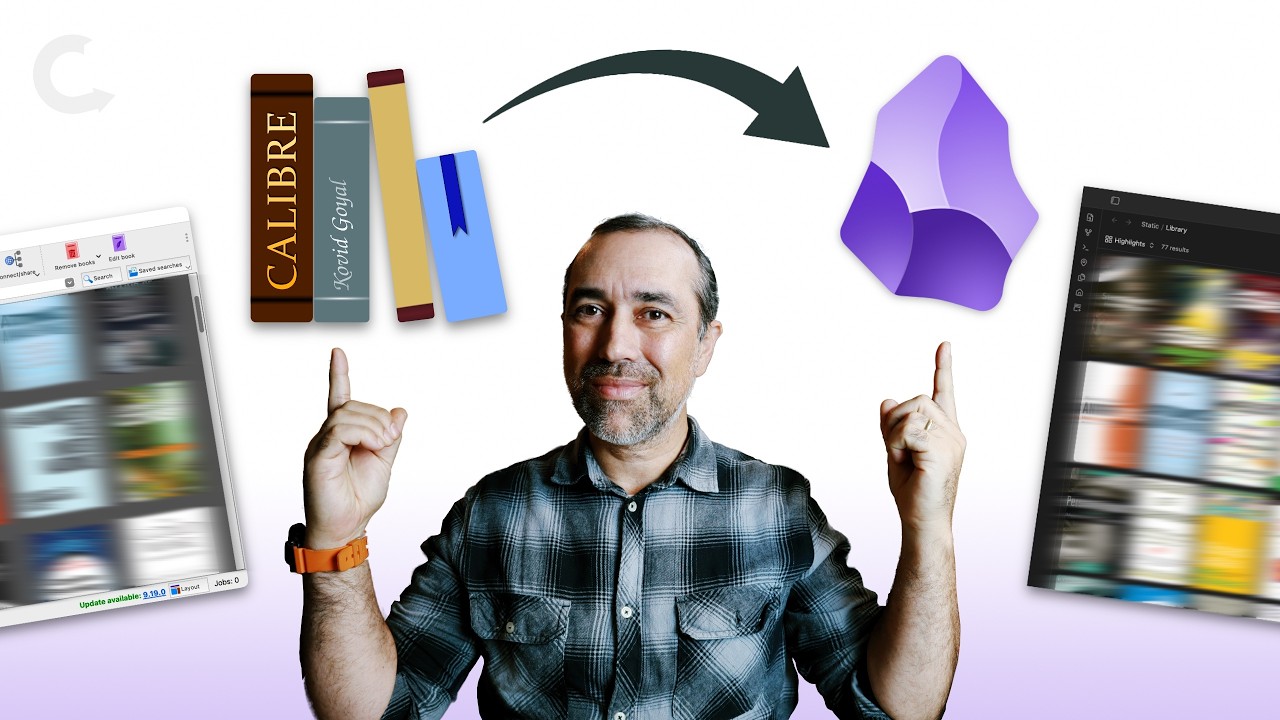
A Calibre library is just a folder with a subfolder for each author, and when I came up with the idea of moving it to my Obsidian vault, I thought that the subfolders would also be a great place for two other files I create for each book: the author note and the highlights and annotations notes. I even did some tests, but there's a problem.
If I edit the author's name of a book in Calibre, the folder gets renamed. My own notes can survive that, because their names are unique and a wiki-style link finds them wherever they go. But anything Calibre created can't be linked that way. For example, every book has its own cover.jpg, so the name isn't unique and the link has to carry a path.
We don't usually change author names on books, but it can happen by accident or if the name was wrong in the first place. And I can also hear some of you suggesting changes to Calibre's settings so that every cover isn't called cover.jpg. But all that only adds friction to the system. I'd have to remember all of it every time I upgrade my computer, reinstall Calibre, and set everything up again. I want a library that works the way it comes, not one that works because I remember why I changed it.
And there's a benefit to that same name structure, too: once the link to a cover is created, it doesn't matter if I change the cover of a book in Calibre. Calibre always writes it back as cover.jpg, so the link keeps working. Long story short, that's why I have two subfolders for authors in my vault:
Static/Authors/Author-Note.md— Created by me, working as a central point for everything related to the author.Static/eBooks/Author-Folder— Created automatically by Calibre.
As for the highlights, they live loose in the Timeline like any other note. The Library Bases table is built using the type: Highlights property as you can see in the video below. Just keep in mind that it was published many months before I started using the current Python script that creates my highlights notes.

Anyway, as you can probably understand now, having everything in the author's folder created by Calibre would make the structure super clean. But that would mean I would also have to be much more vigilant about what I do in Calibre.
Articles, Manuals, and Others
Since the very beginning of my Obsidian journey, I already knew there would be no note for each PDF. But even with that solved, I still need a place to save the files. I settled with keeping them in Static/Knowledge Base/Topic-Folder. But that was one of those decisions we make just because there's no better option.
It held up well all this time because it's usually easy to find an existing folder that is related in one way or another to the PDF topic. However, there are some situations where I end up having to create a space just to save a single document.
That is now solved by moving every PDF document to my Calibre library. On the other hand, it's one more reason to keep me awake thinking about how to merge the Static/Authors and Static/eBooks into a single folder.
Any ideas?
Oh, if you haven't yet watched the video about the Python script that creates my highlights notes, here it is: