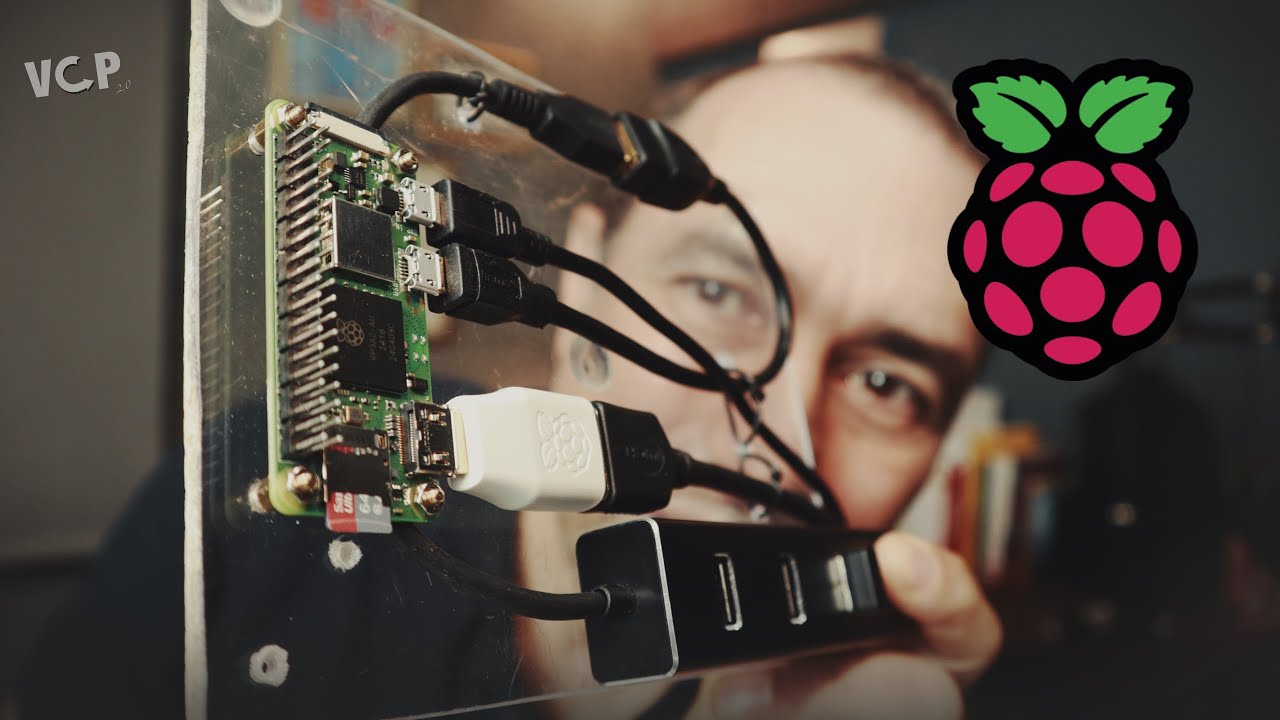
My All-in-One portable computer project now has Meshtastic, a camera, automations, and more. But that's just the beginning.
2026-05-31 14:55
This is an update on my Portable Computer project. For those of you who don't know anything about it, my goal is to use a Raspberry Pi 5 as a multipurpose device. Think of it as a thick iPad mini for content consumption, and, at the same time, a device that I can connect to a USB-C hub at home and my office to do real work. However, I'm starting my journey with a Pi Zero 2 W as my testing bed.
Synching
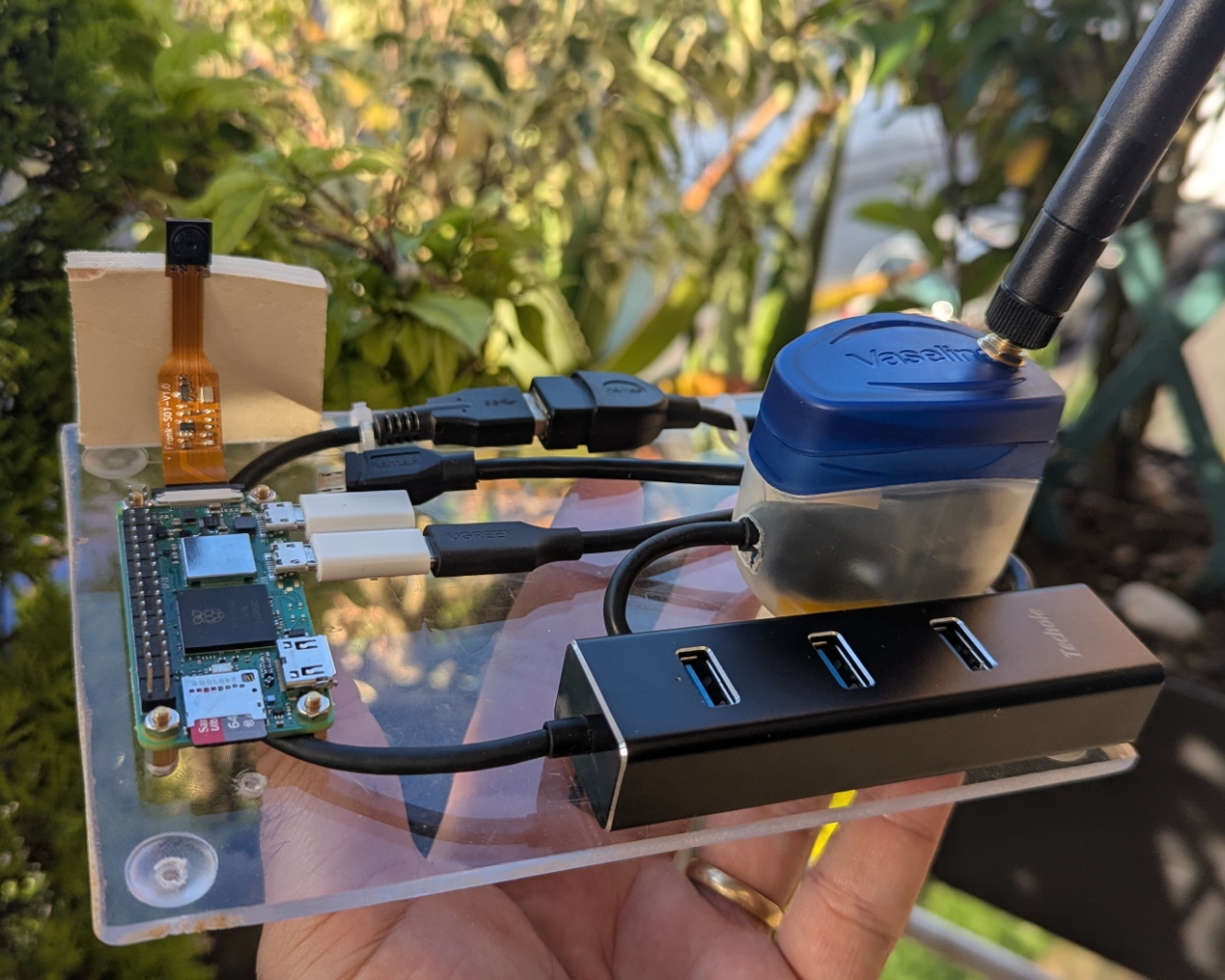
One thing I knew I wanted to do from the very beginning was to install Syncthing on the Pi to be able to synchronize content with my phone and computer. This was pretty hard because it had to be done using the command line — a new skill I'm learning as I go. Actually, I'm learning everything in this project as I go: the Raspberry Pi itself, Python, and Linux.
My approach has been asking Gemini to tell me what commands to use in each circumstance, and also to write the Python scripts for me. However, as soon as the AI gives me the answer, I read it, try to understand it, and ask countless questions about it. Then I type out what I understood along with some examples, asking if that's correct. Most of the time, the student in me gets it only partially right, but I can clearly see my progress. I'm actually learning, and that's a really cool feeling.
It takes me much more time to do things like this, but I don't want AI to give me a finished product. I want to learn and do it my way. However, since learning takes a lot of time and dedication, I thought this approach would provide me with some partial, but practical results, which, in turn, keep stimulating me to move forward.
Why start with a Pi Zero 2 W
There are actually two reasons. First, I had no idea if I would be able to learn all I needed to make this project work, so I didn't want to spend a lot of money upfront. The Pi Zero 2 W price was perfect in case I gave up.
Then there's the command line. If I was going to learn Linux, I wanted to really learn it. After all, the Linux GUI is similar to macOS or Windows, and understanding it would have taken me just a few days. Because of that convenience, I knew I would never make the extra effort to open the Terminal.
Looking back, I'm so glad I chose this approach. What I managed to learn in just a few weeks is unbelievable. I'm even using the Terminal on my Android phone now. Can you believe that?
Meshtastic
My original plan for the Portable Computer didn't include a LoRa radio, but after all the fun stuff I've been doing with these radios, I had to add one to the list.
In the last few days, I connected a Seeed Studio XIAO ESP32S3 and Wio-SX1262 to the micro USB port and asked Gemini to create a script to log all messages being captured by my node. This is just the first step — a testing bed, if you will. What I have in mind for the future is using a companion Meshtastic app similar to the ones we can install on our phones. But to do that, I had to first make sure the radio would play nice with the Pi.
The 30-minute picture
When I got the Pi, I included some other items in the basket, like a small camera. At that point I had no idea what I would do with it, but here I am testing possibilities. As I learn everything one can do with these little computers, ideas are exploding in my head by the minute.
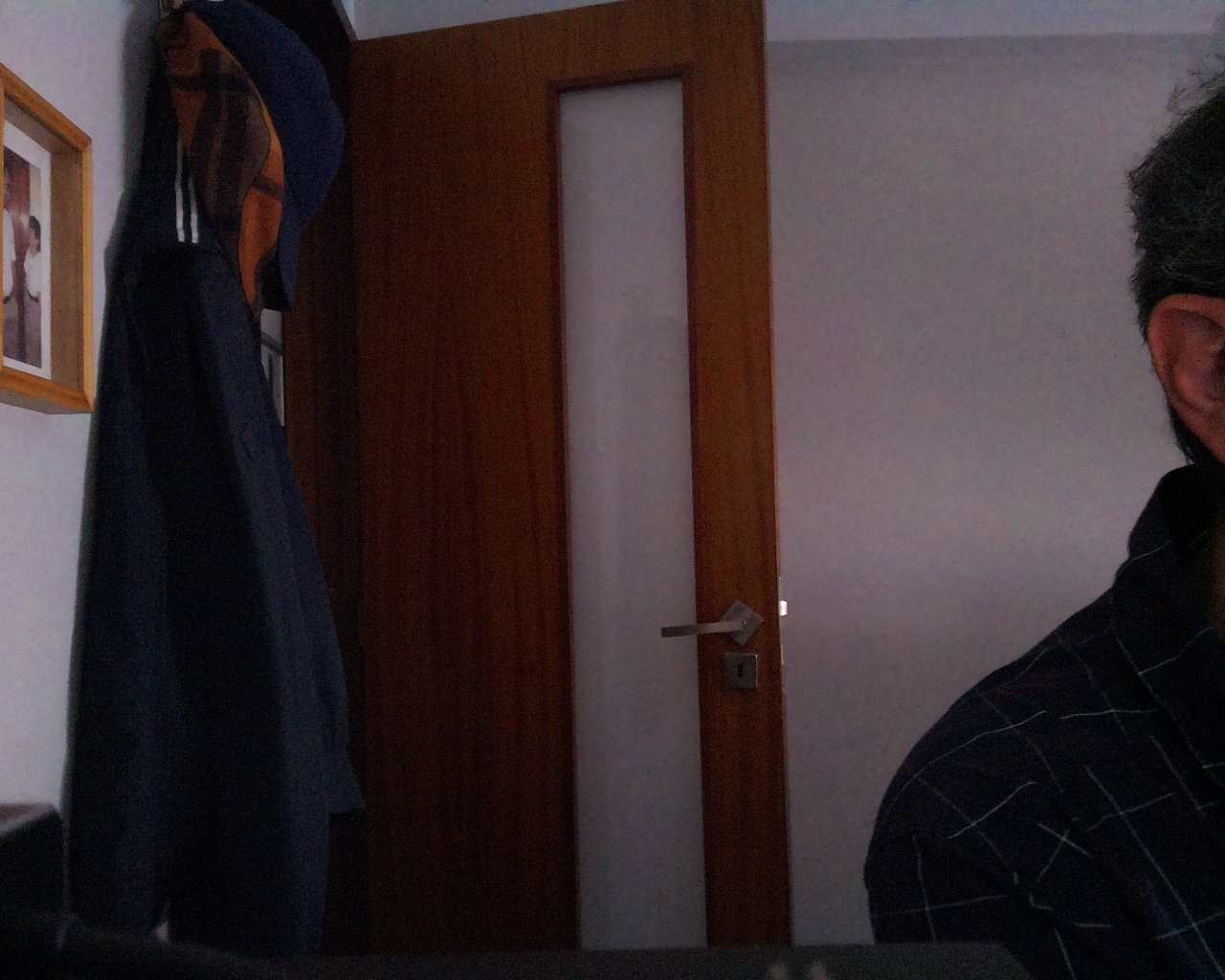
I'll probably end up with several of them for other projects like automation and a Home Assistant. For now, the Pi is taking a picture every 30 minutes and saving it in the folder I have synchronized with my computer and phone. It's one of those completely useless things that are, at the same time, really cool to see in action.
Obsidian
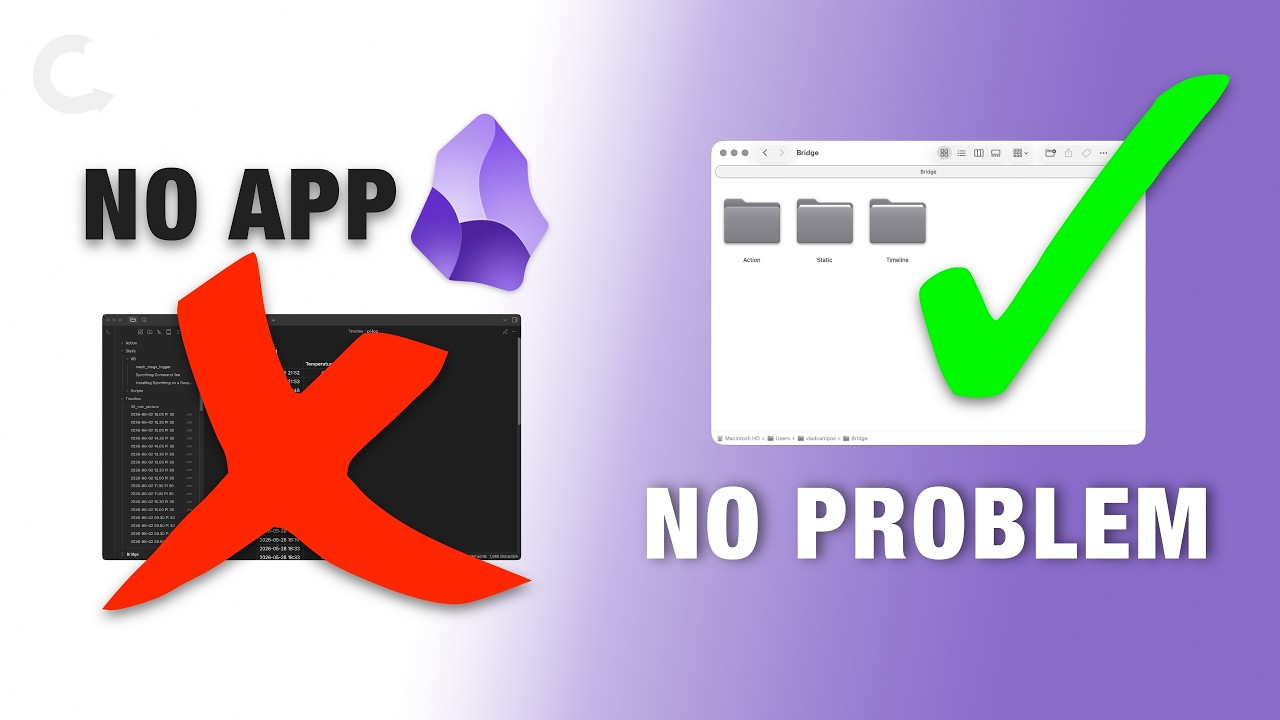
Remember Syncthing? Well, there's only one folder that I'm synchronizing with my computer and phone: `~/Bridge`. However, inside it, there are three other folders: Action, Static, and Timeline. Can you see where this is going?
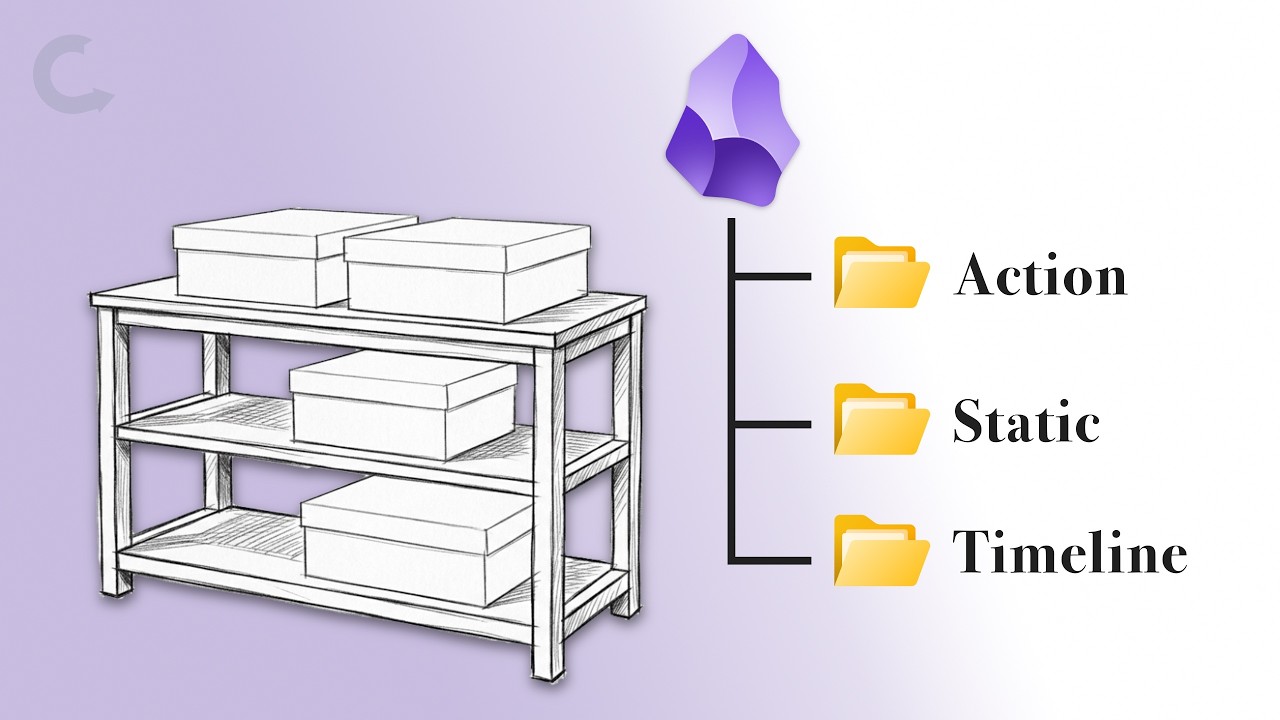
Action is currently empty, but Static has the Scripts sub-folder where I'm keeping all the Python scripts. There's also KB (Knowledge Base), where I'm saving some notes explaining the scripts and other Pi and Linux learnings. As for the Timeline, it's an endless flow of everything the Pi is capturing: information that it logs on every boot, the pictures I explained above, Meshtastic messages, and so on.
Why it is not a Cyberdeck. Or is it?
Despite loving the Cyberdeck concept, I'm not sure if what I'm trying to build here is actually one. My idea from the very beginning was to build something the industry has been denying us for years.
I want a portable computer where I can do what I do on my real computer. Something like an iPad running macOS. And because of the current state of AI everywhere for no good reason — and enshittification in general — I want it running Linux. It has to replace my iPad for media consumption, but also be capable as a real everyday computer when connected to a screen, keyboard, mouse, and any other accessories needed to do my work at the office or have fun at home.
Since my Palm days, I envisioned this idea of one device doing it all. I never thought I'd live to see processors and miniaturization evolving to a point where something like that would be possible. Unbelievably, we ended up getting there pretty fast. However, now, what seems to be preventing this from becoming a reality is greed.
Why do I need to buy a Mac, an iPad, and an iPhone, when they all use the same processor and basically the same under the hood? In other words, all these portable devices are pretty capable of doing what I envisioned decades ago, but no company builds it because that would mean less profit.
Fortunately, devices like the Raspberry Pi and its peers have opened the floodgates to people willing to make their decades-long dreams come true. So, I'm building it myself!